01
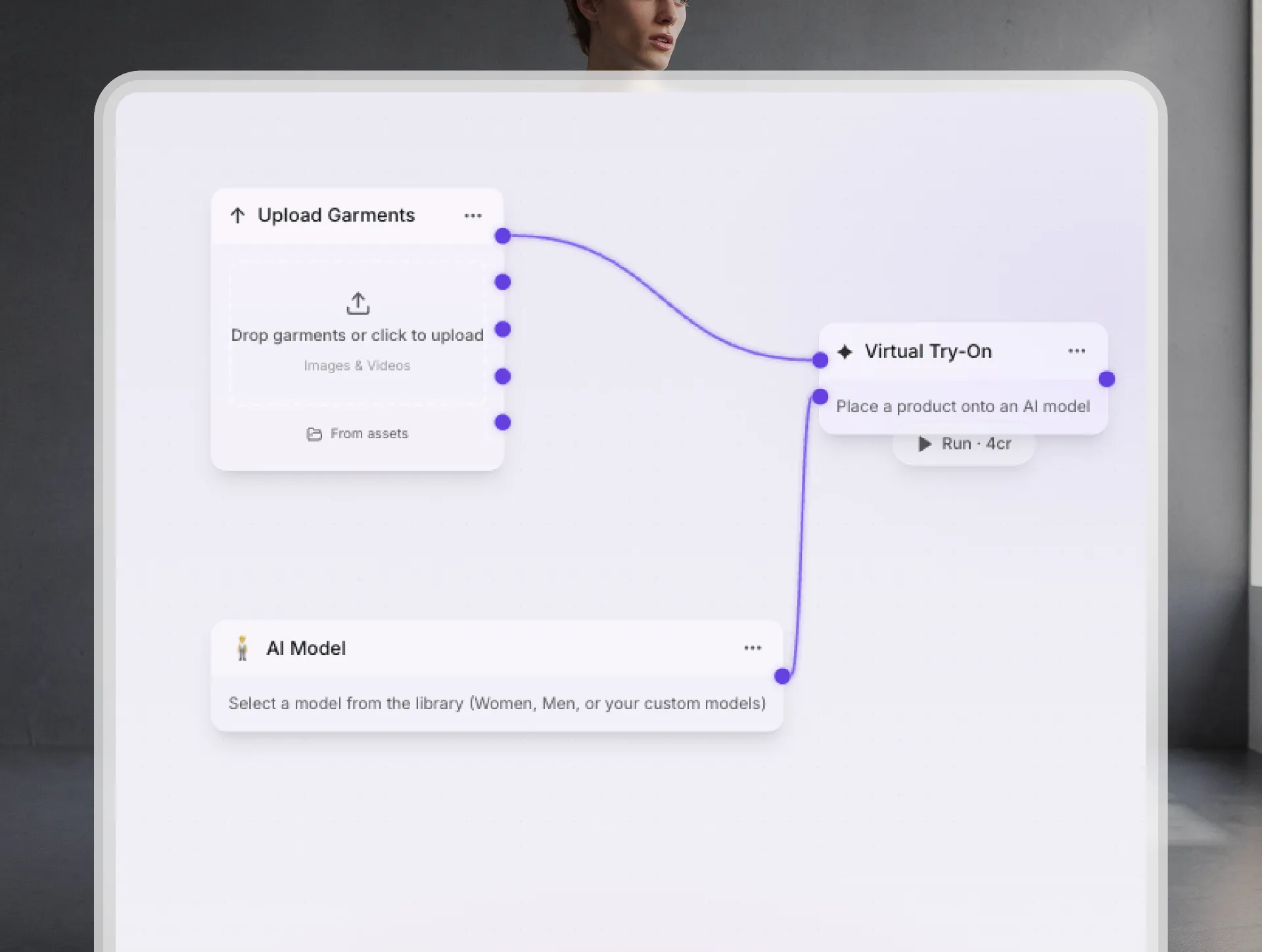
Start Canvas
Open your Canvas workspace and get ready to create. A clean, intuitive space built to bring your creative workflow to life.
02
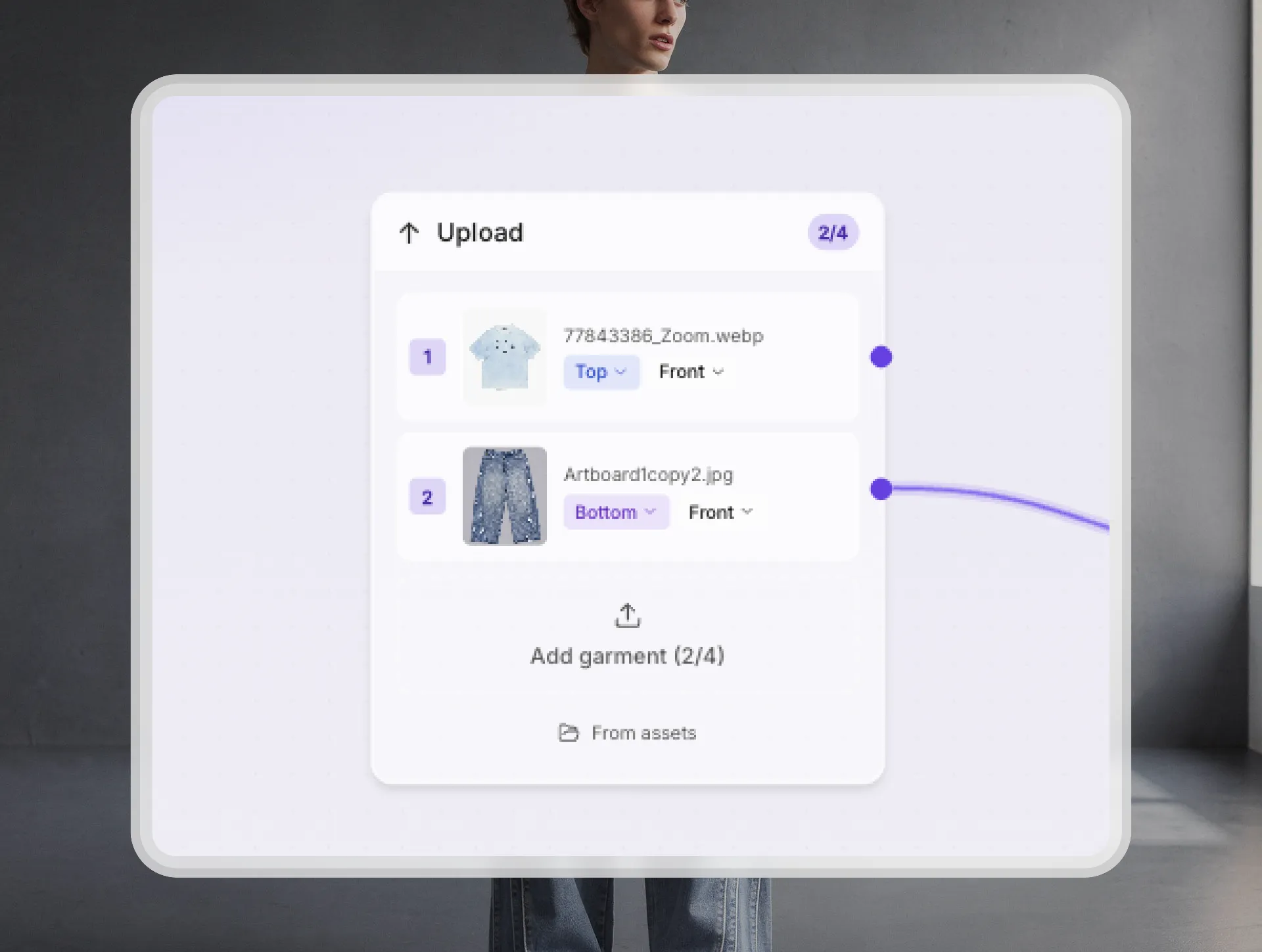
Add Products
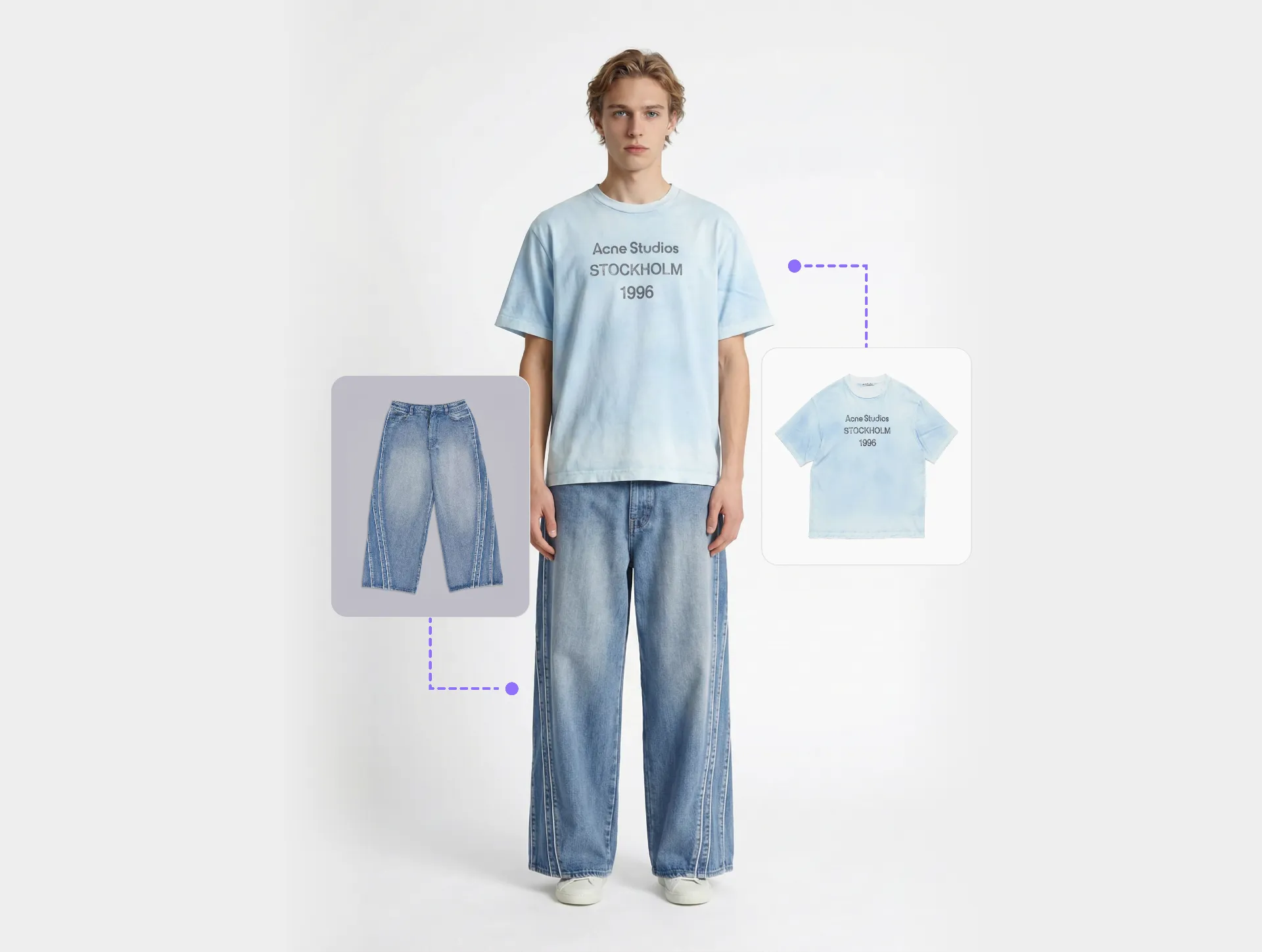
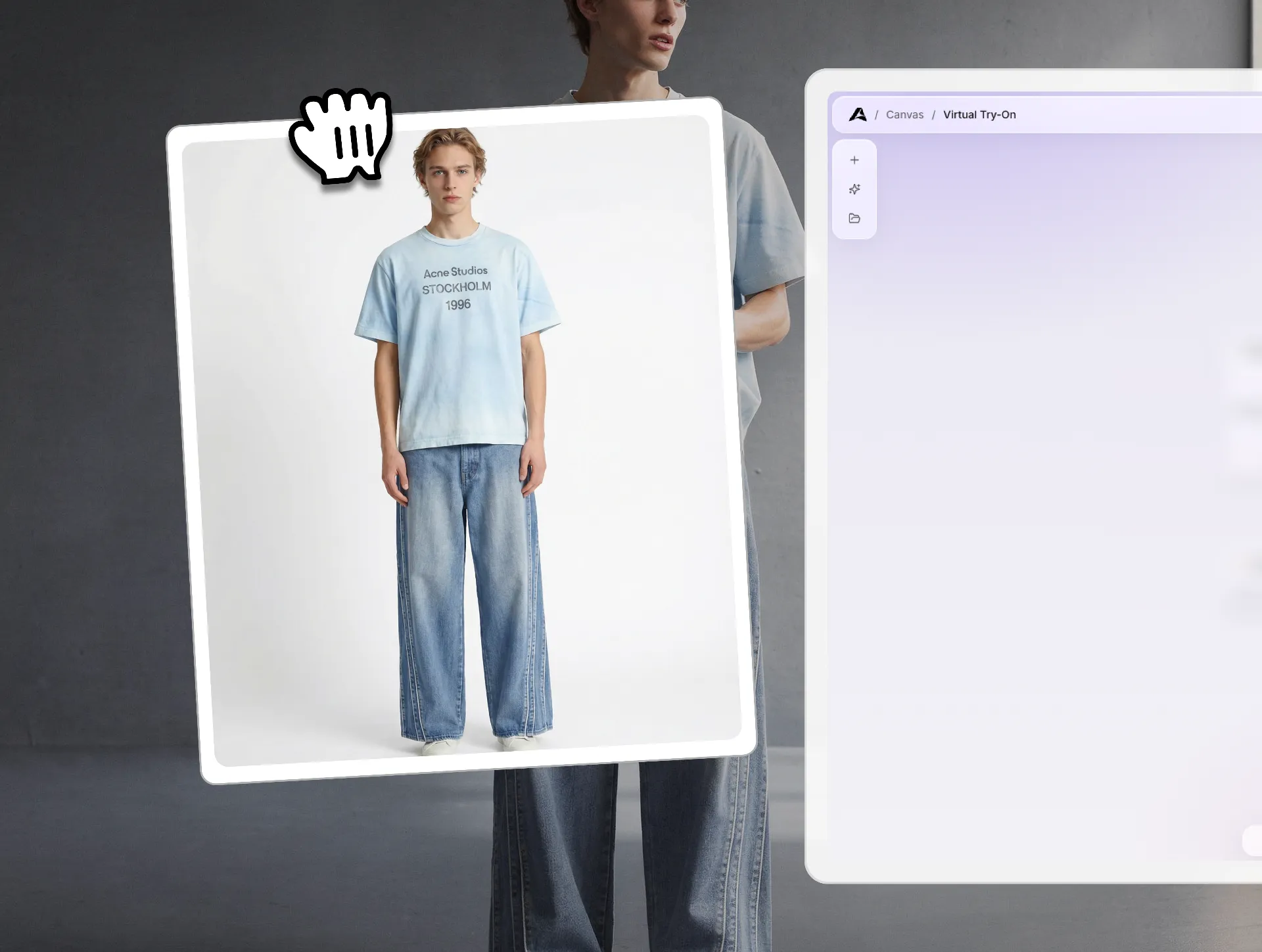
Upload your product images directly into Canvas. Add products you need to start building your product on a real model.
03
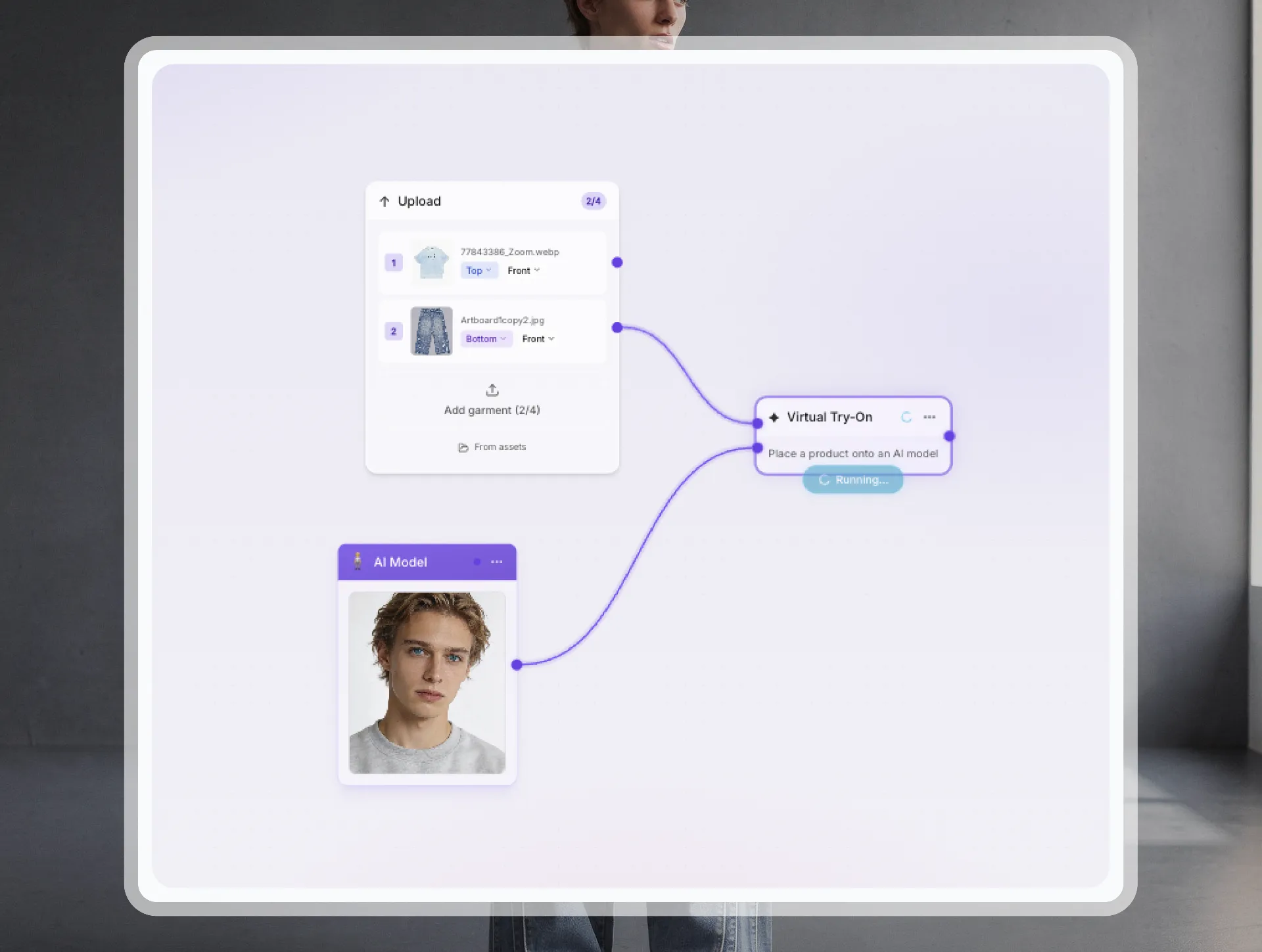
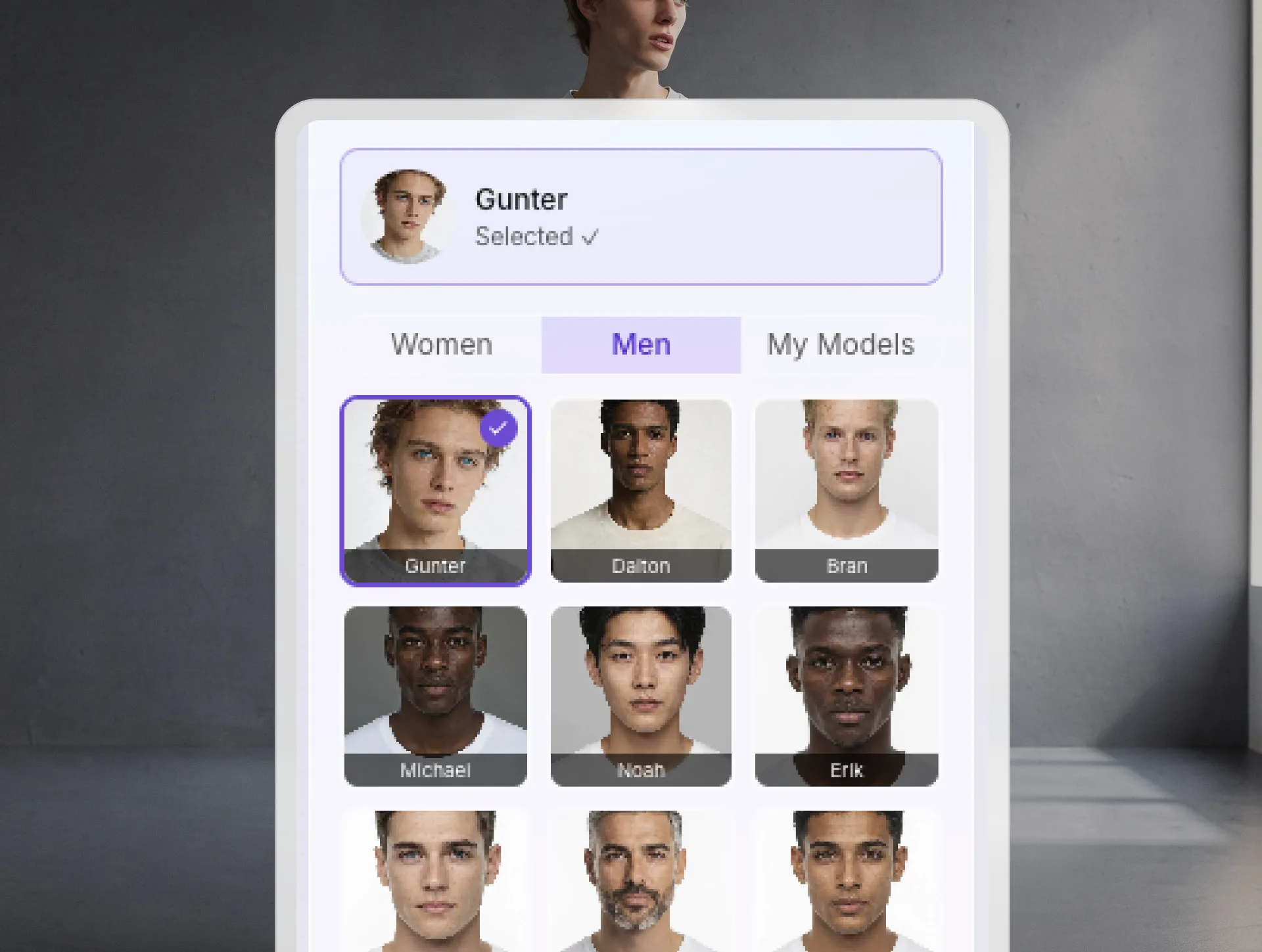
Select Model
Choose the right model to represent your customer. Canvas adapts to different body types and poses for accurate, realistic results.
04
Run Workflow
Trigger the Canvas AI workflow with one click. Canvas processes your product and model combination automatically.
05
Image Created
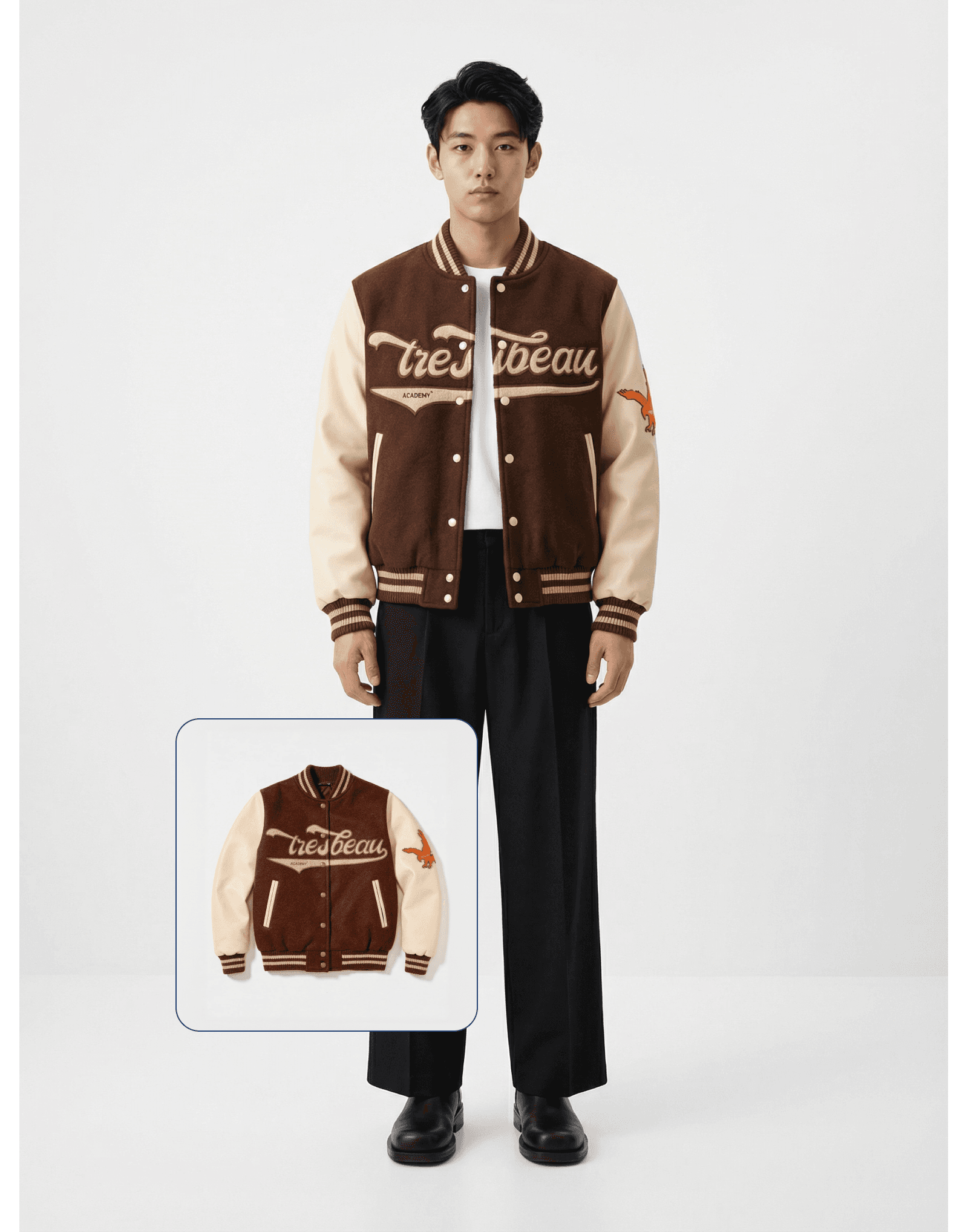
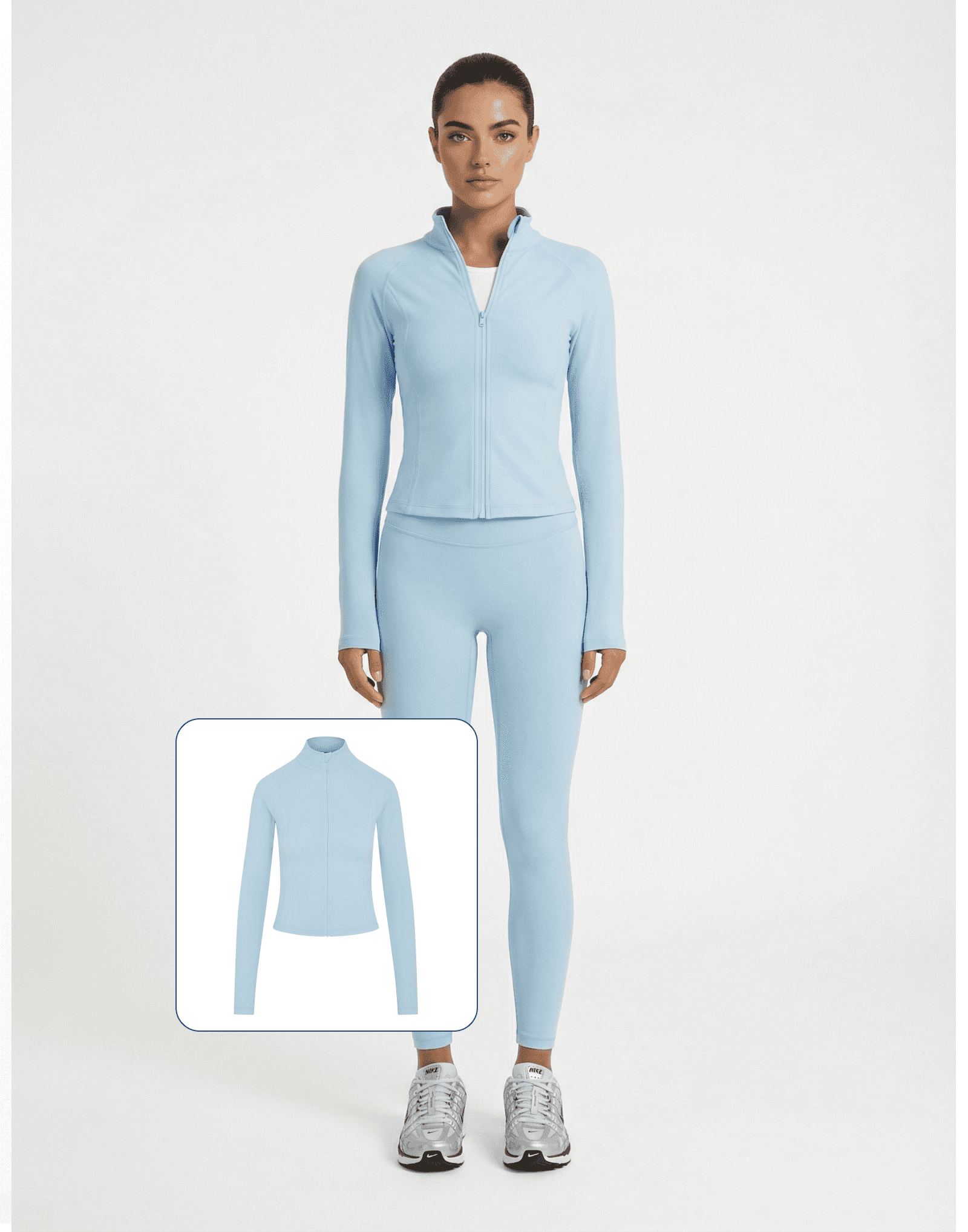
Your image is ready. Download, share, or use it directly, giving customers a realistic view of your product on a real model.
Result
Professional results, instantly ready
Build once, run repeatedly processing entire catalogs through custom pipelines while maintaining quality.



See the transformation
Custom AI workflows transforming production processes helping teams automate at scale and maintain quality with Ateli Canvas.
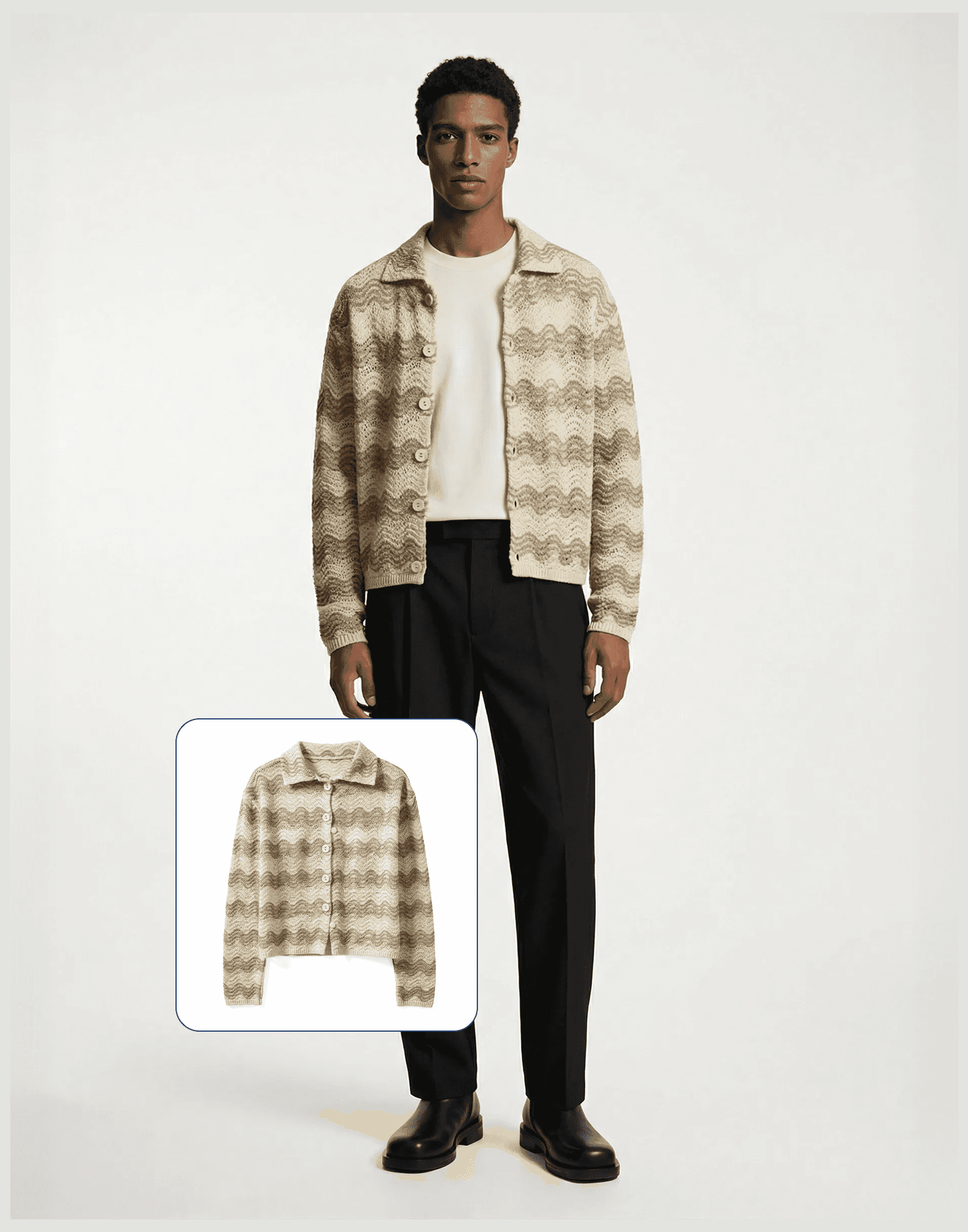
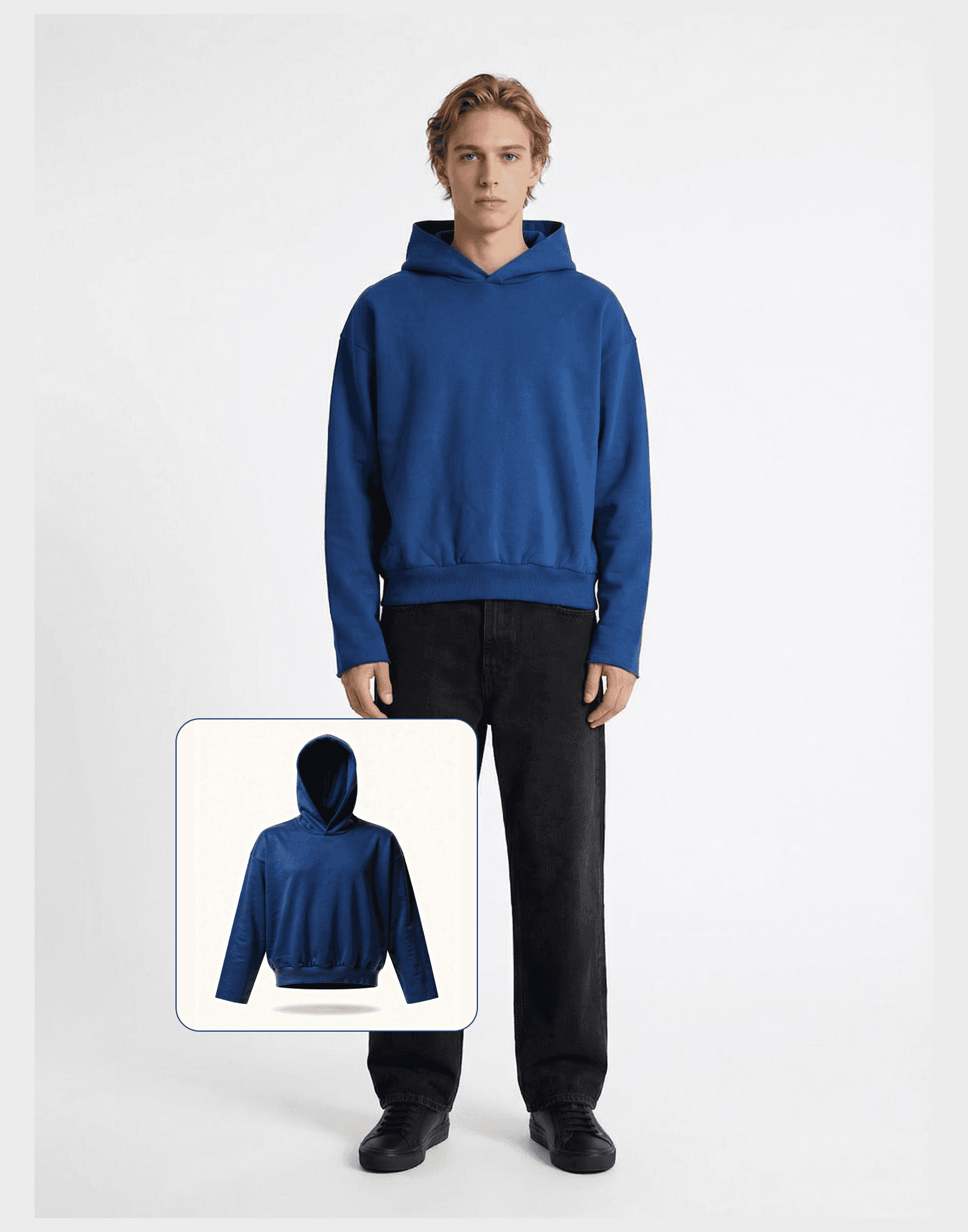
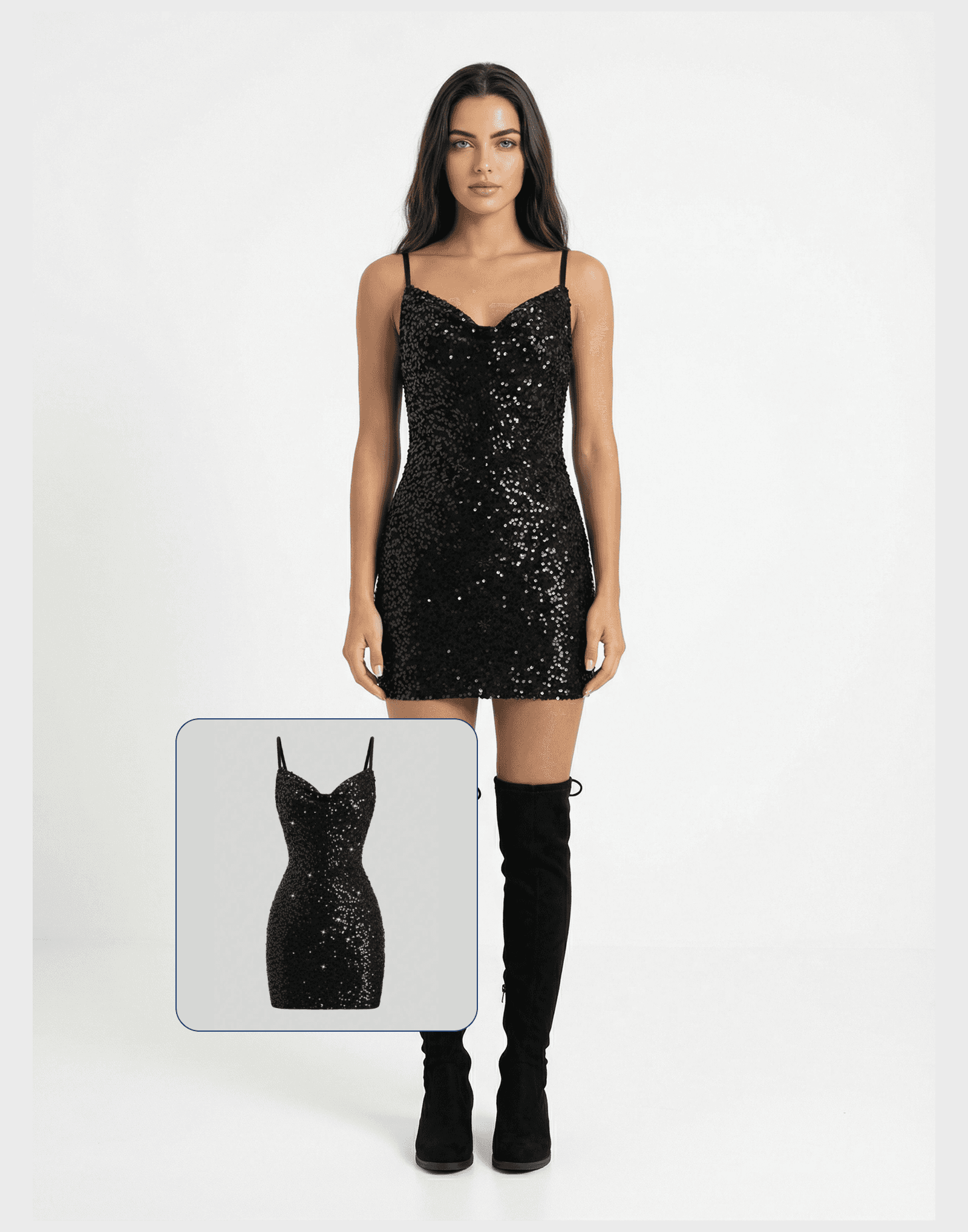
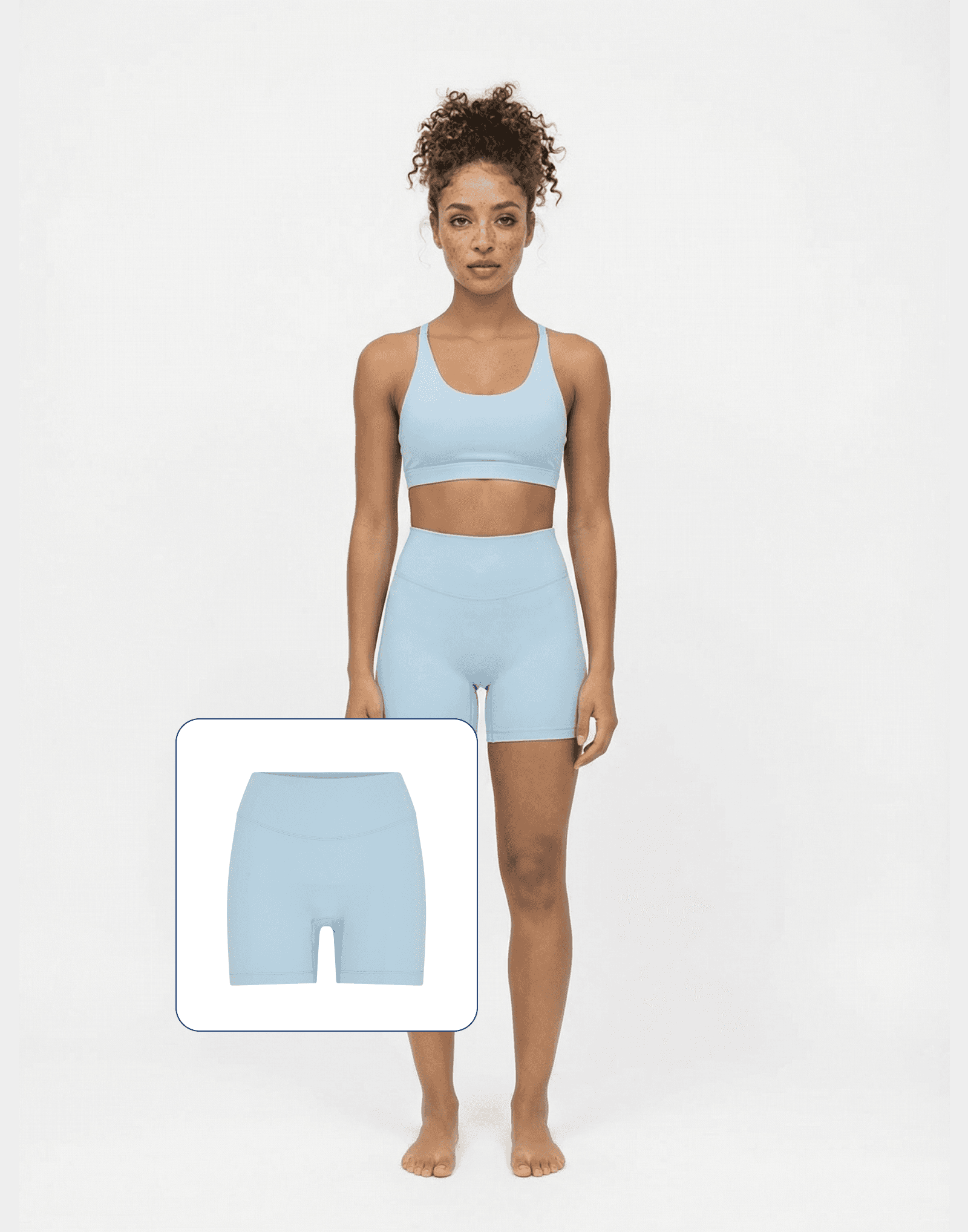
The power of cutting production costs with Ateli
Upload your product photo
Faster time to market
Visual production costs