01
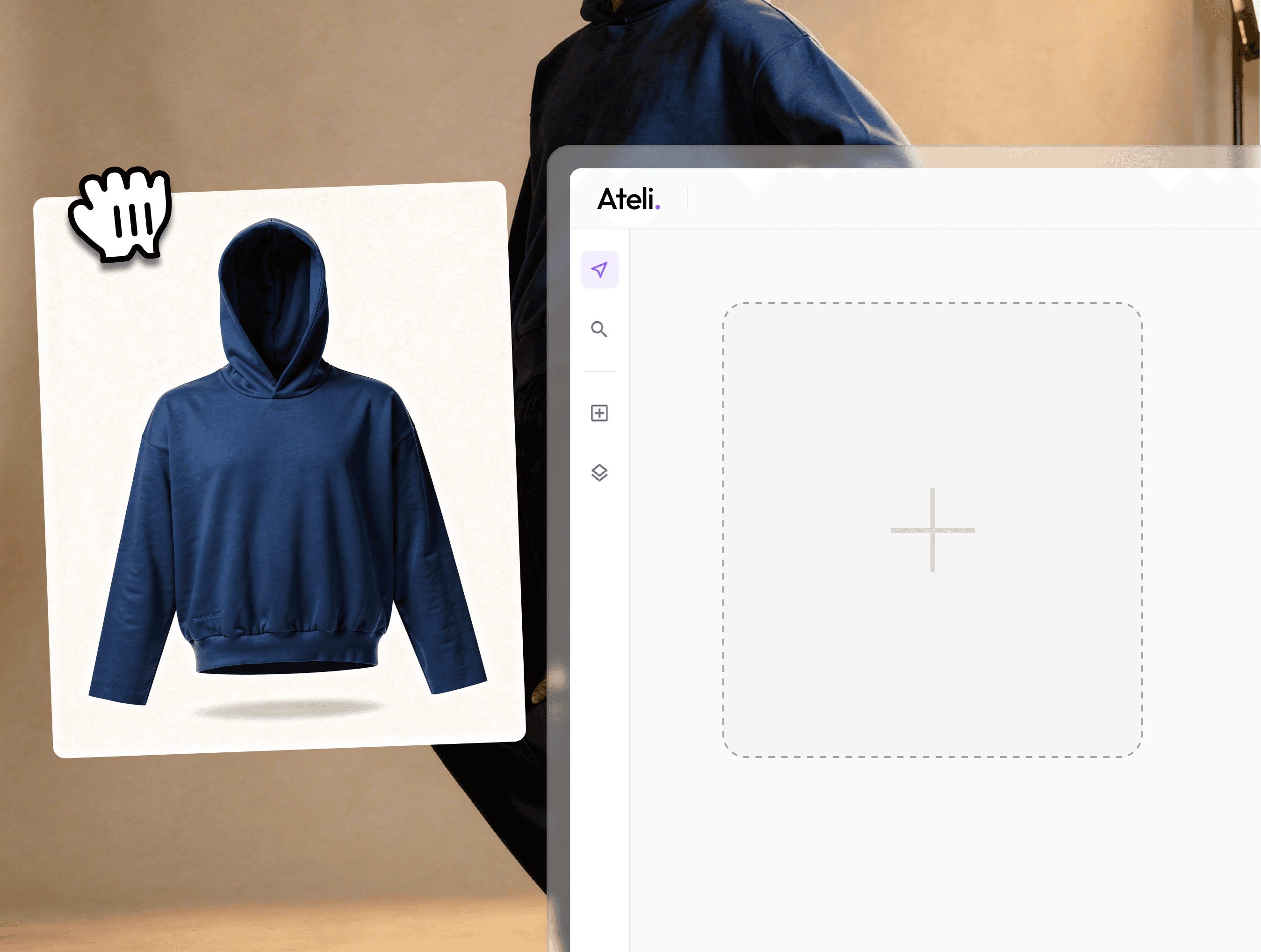
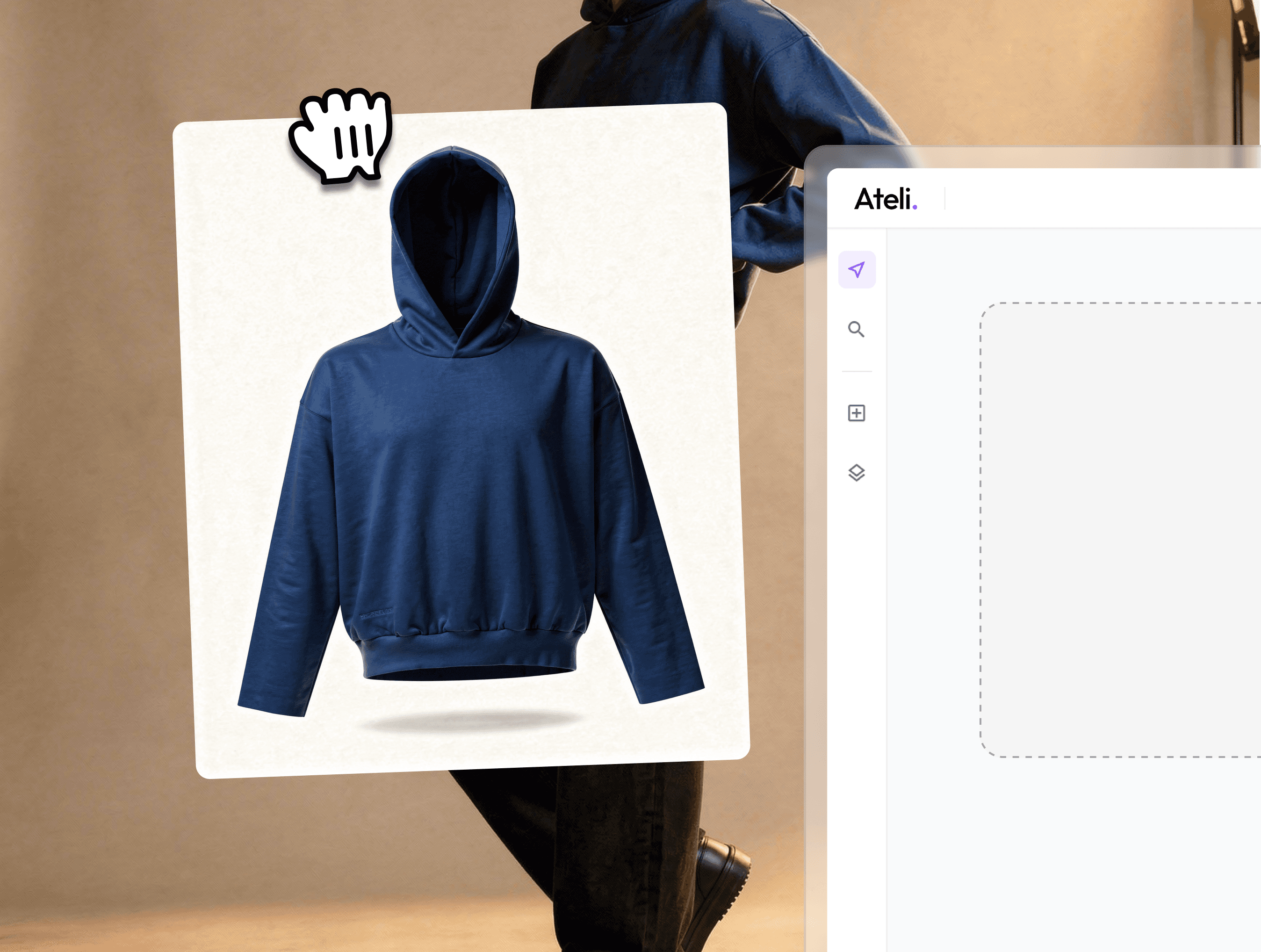
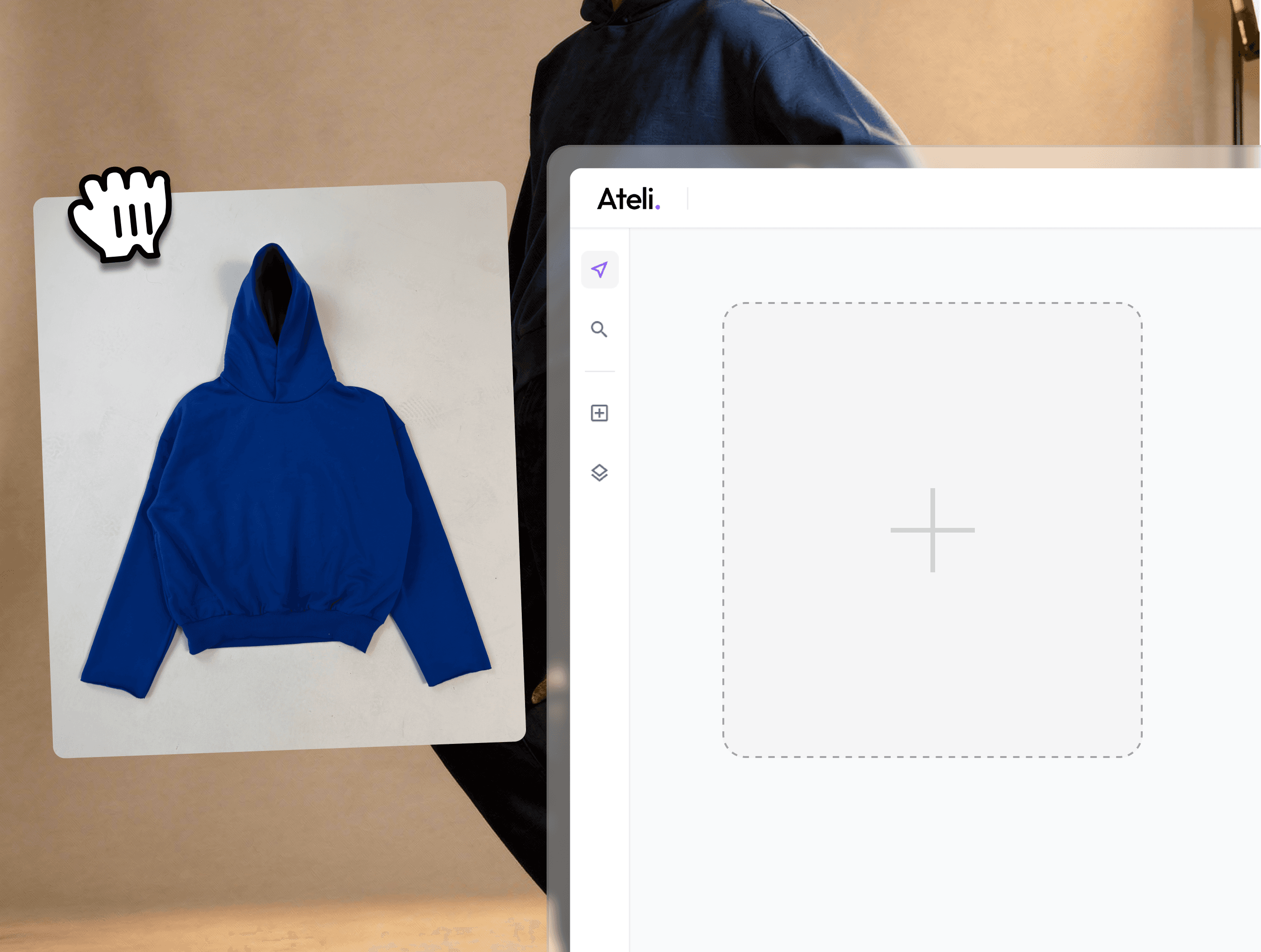
Upload Source Image
Start by uploading your flatlay or product photo. Ateli accepts various image formats and quality levels from professional studio shots to simple flat photos taken in-house.
02
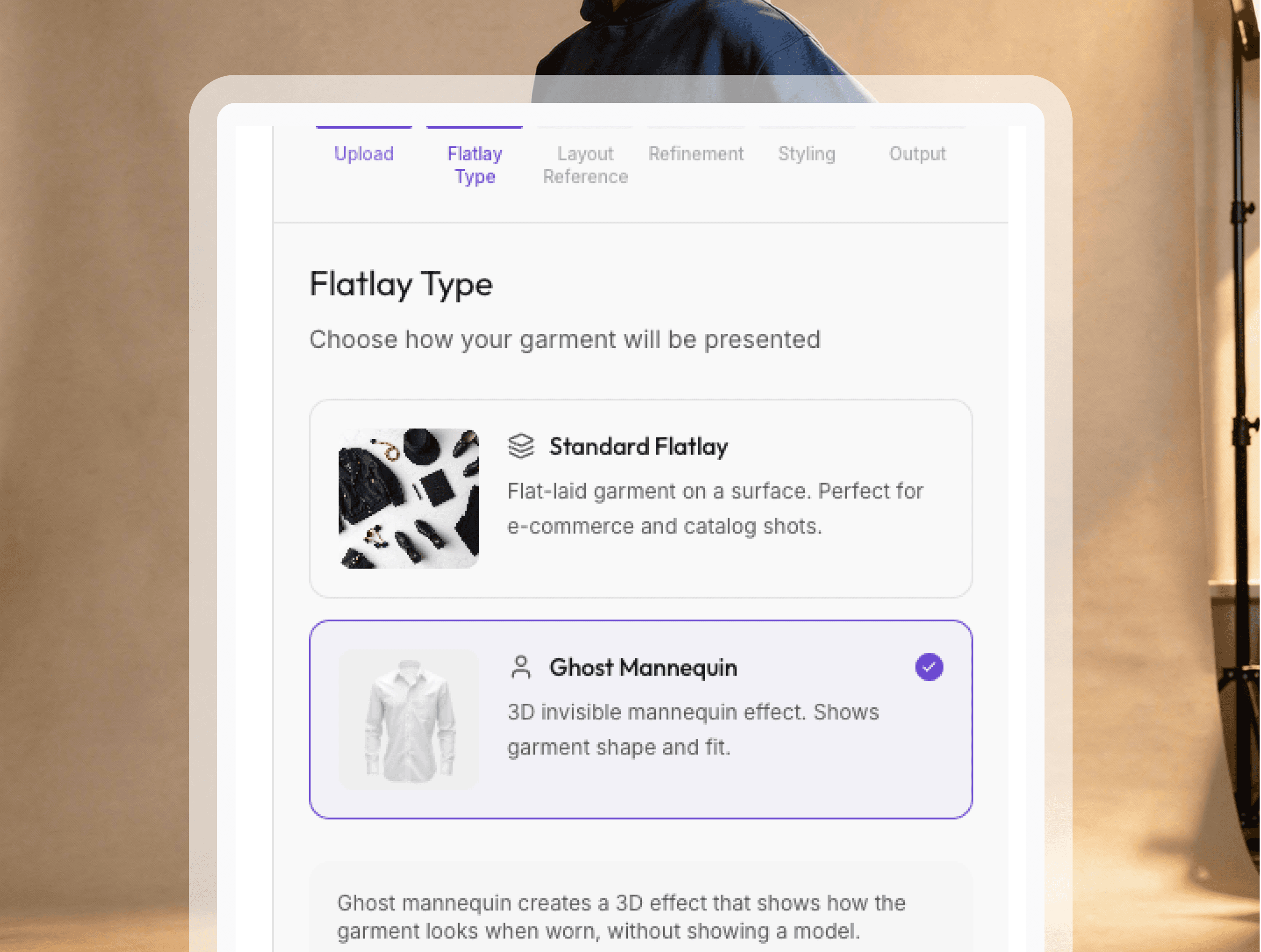
Select Flatlay Type
Choose the type of flatlay you're working with whether it's apparel, accessories, or footwear. Ateli automatically optimizes the transformation based on your product category for best results.
03
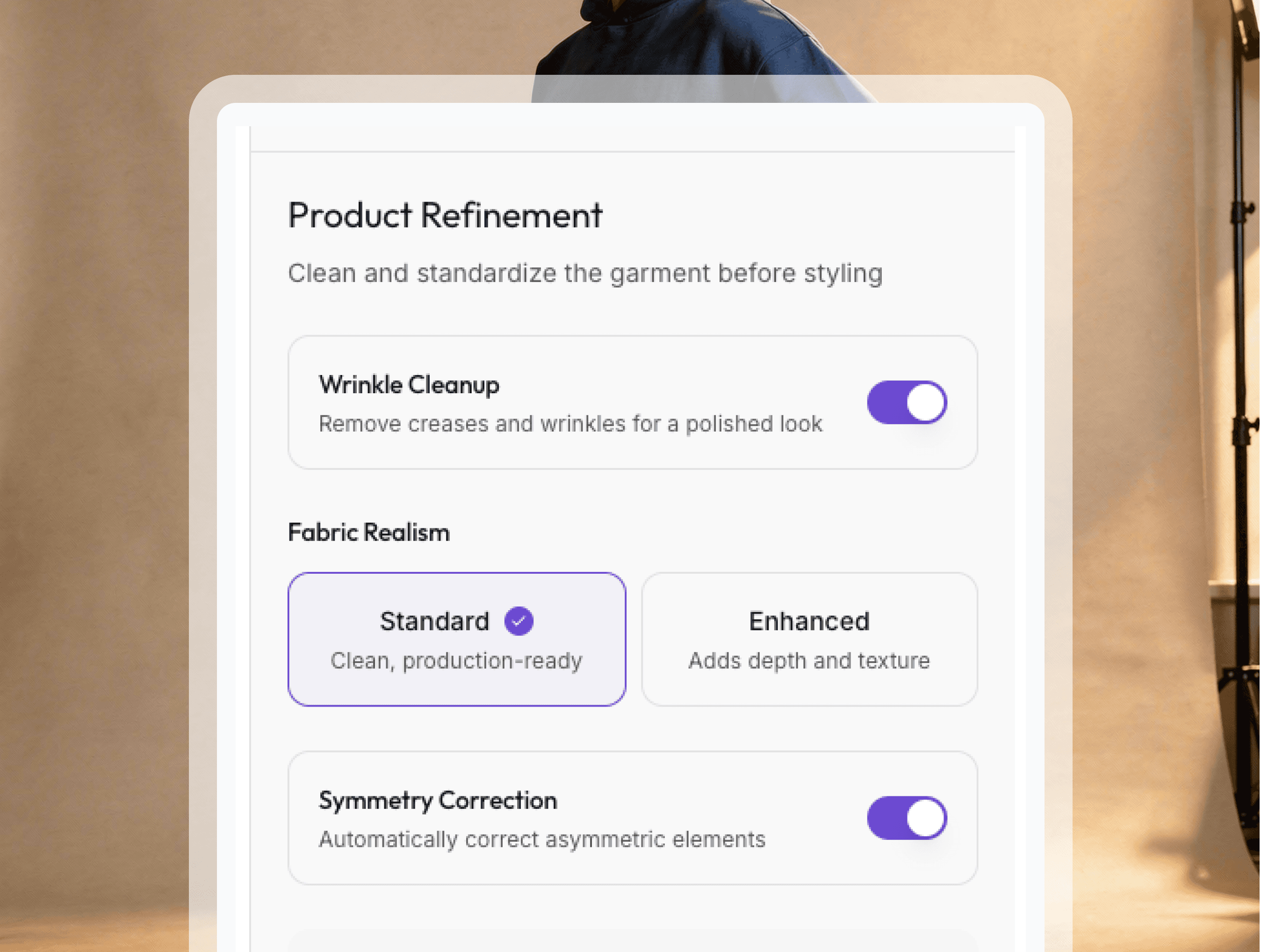
Product Refinement
Fine-tune product details to ensure accuracy. Adjust colors, textures, and specific features so your final on model imagery matches exactly how your product looks with Ateli.
04
Select Styling
Define presentation parameters including pose selection, fit preferences, and styling context. Customize how your product appears to maximize visual appeal and customer engagement with Ateli.
05
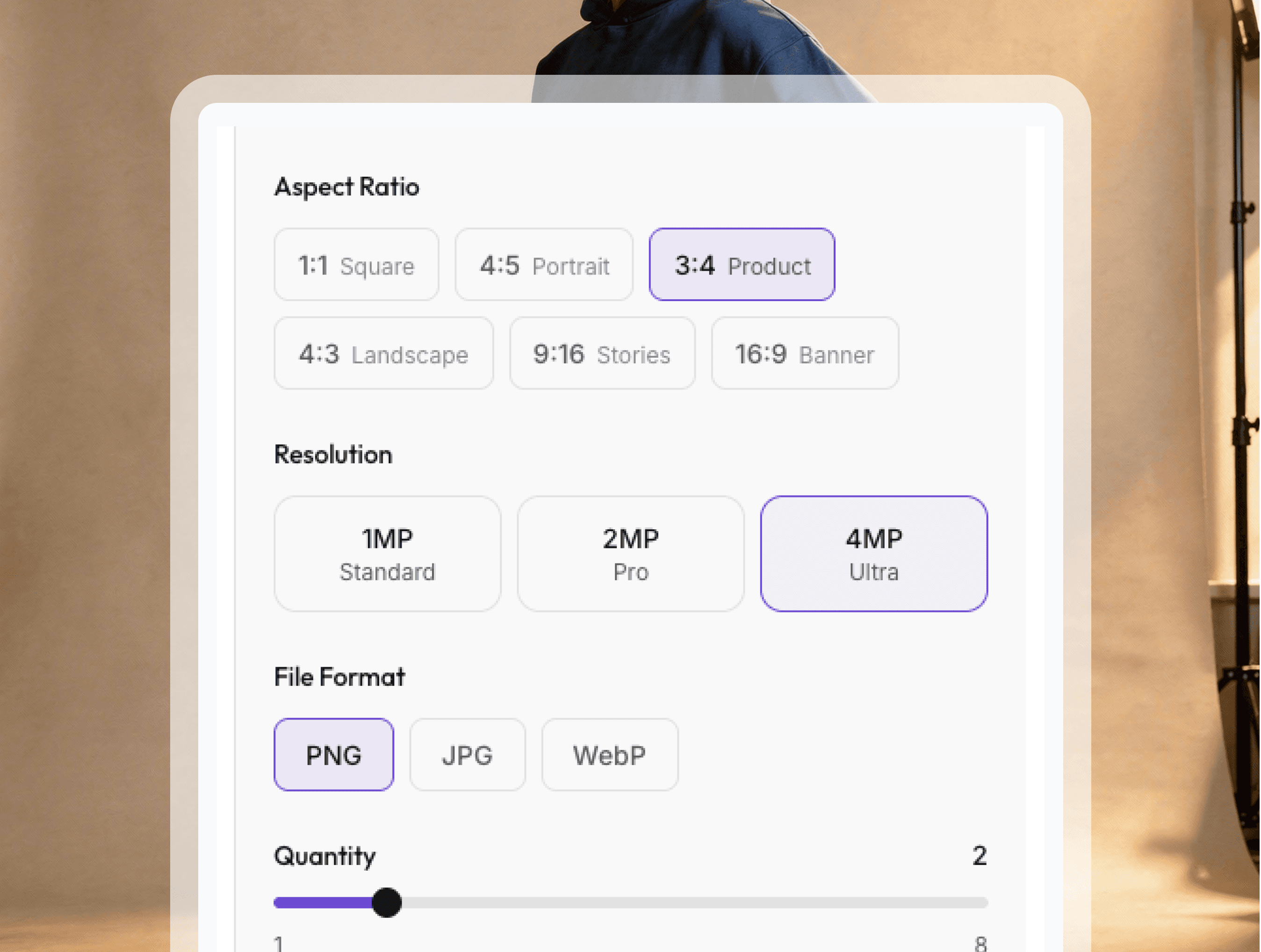
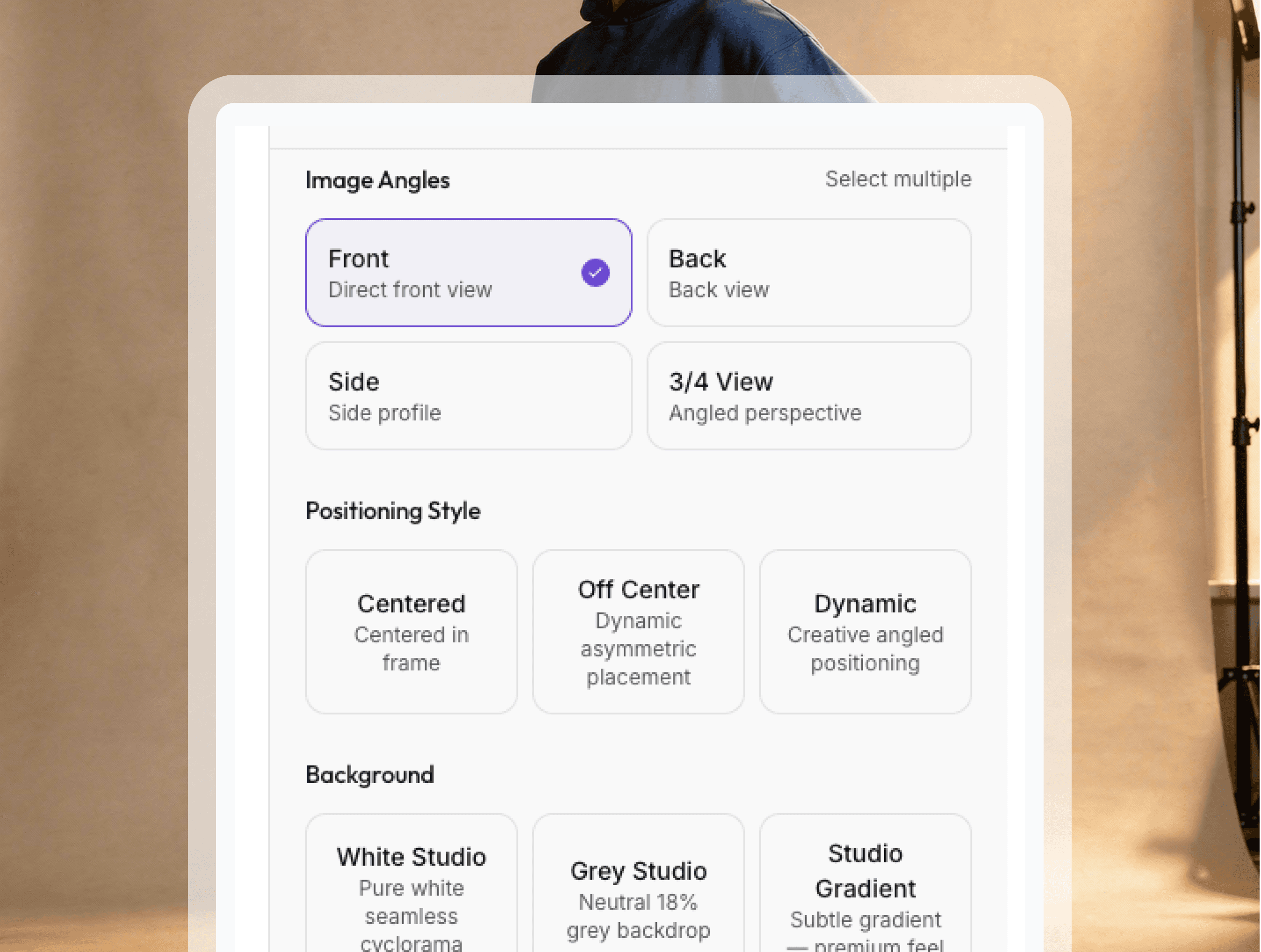
Configure Output
Set your image specifications resolution, aspect ratio, and format. Select backgrounds and lighting that align with your brand aesthetic to create cohesive imagery across all channels.
06
Generate and download
Watch Ateli transform your flatlay into professional on-model imagery. Download high-quality files ready for ecommerce, social media, or any marketing channel you need.
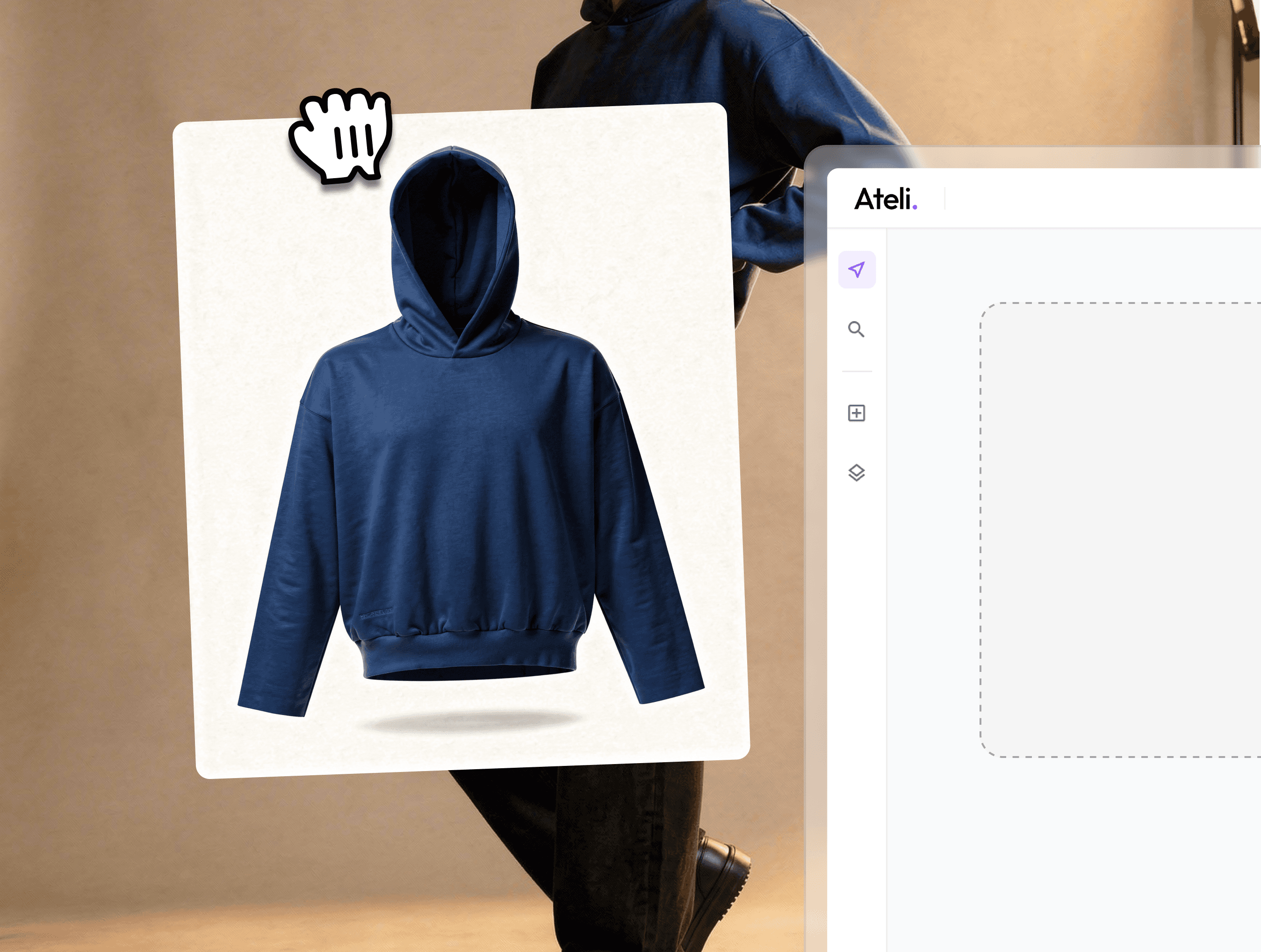
Result
Professional results, instantly ready
Your flatlays transformed into photorealistic on-model imagery. Perfect texture, accurate fit, and professional styling ready to launch across any platform.
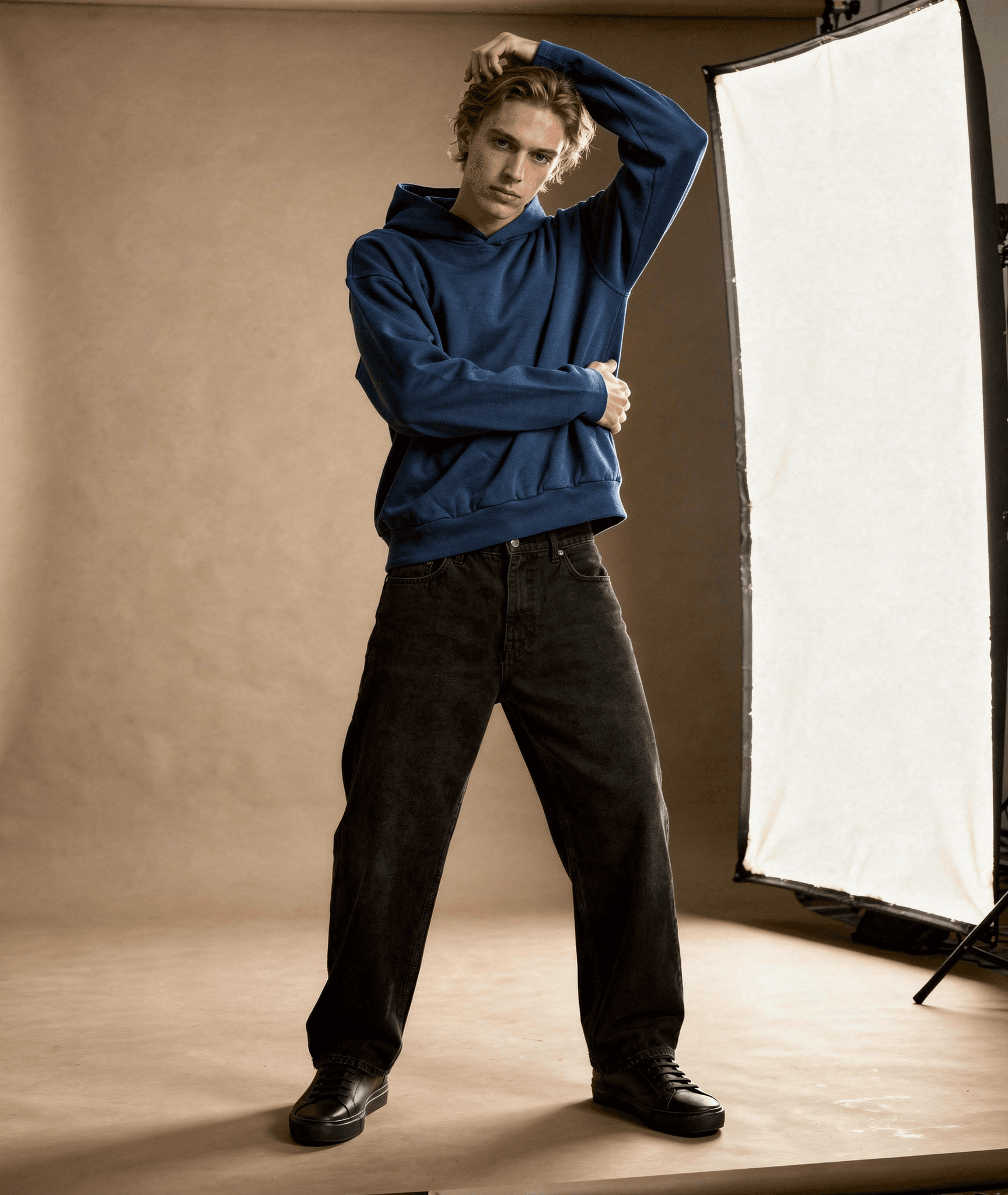
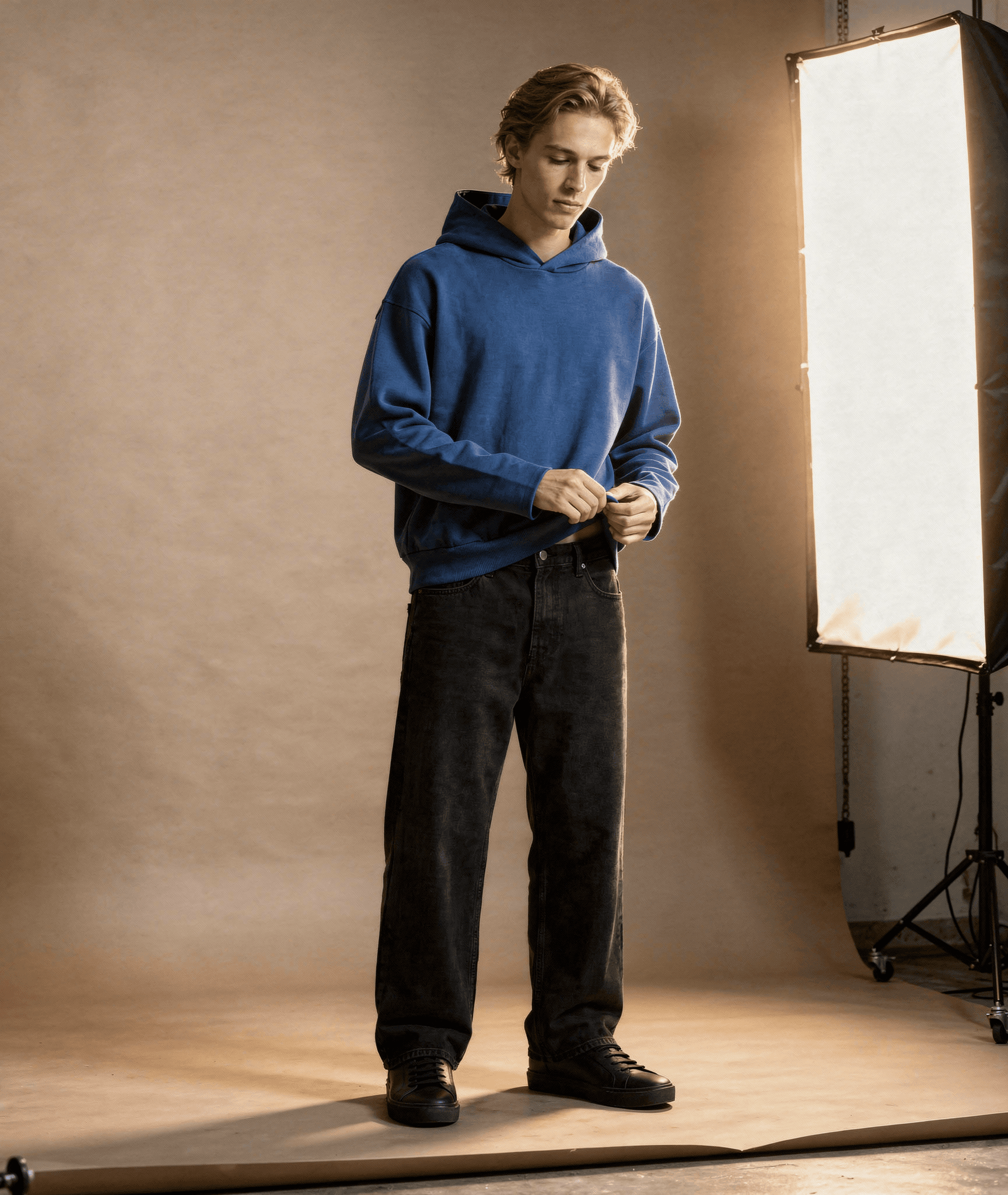
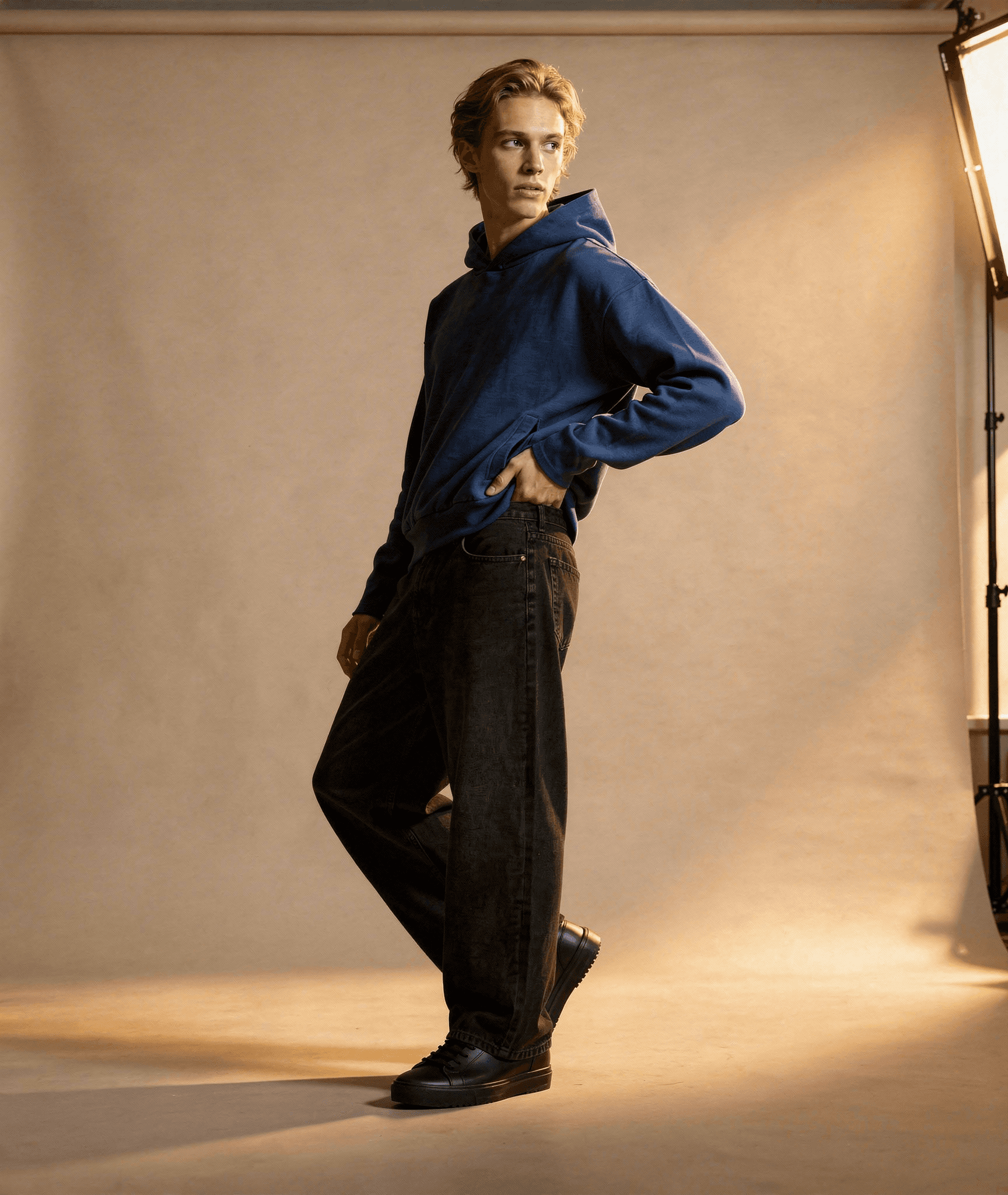
See the transformation
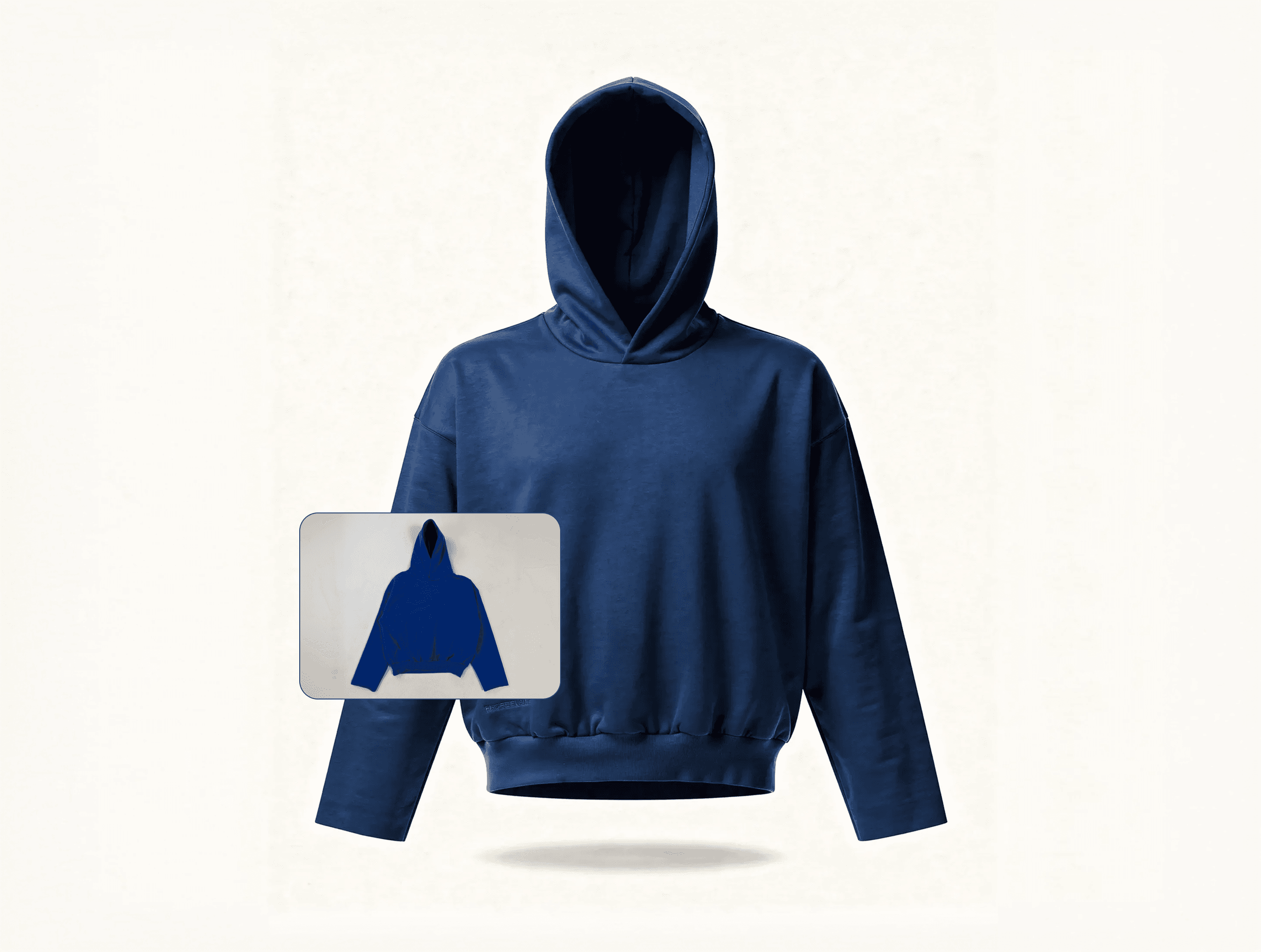
Real flat lay photos turned into professional on-model imagery.
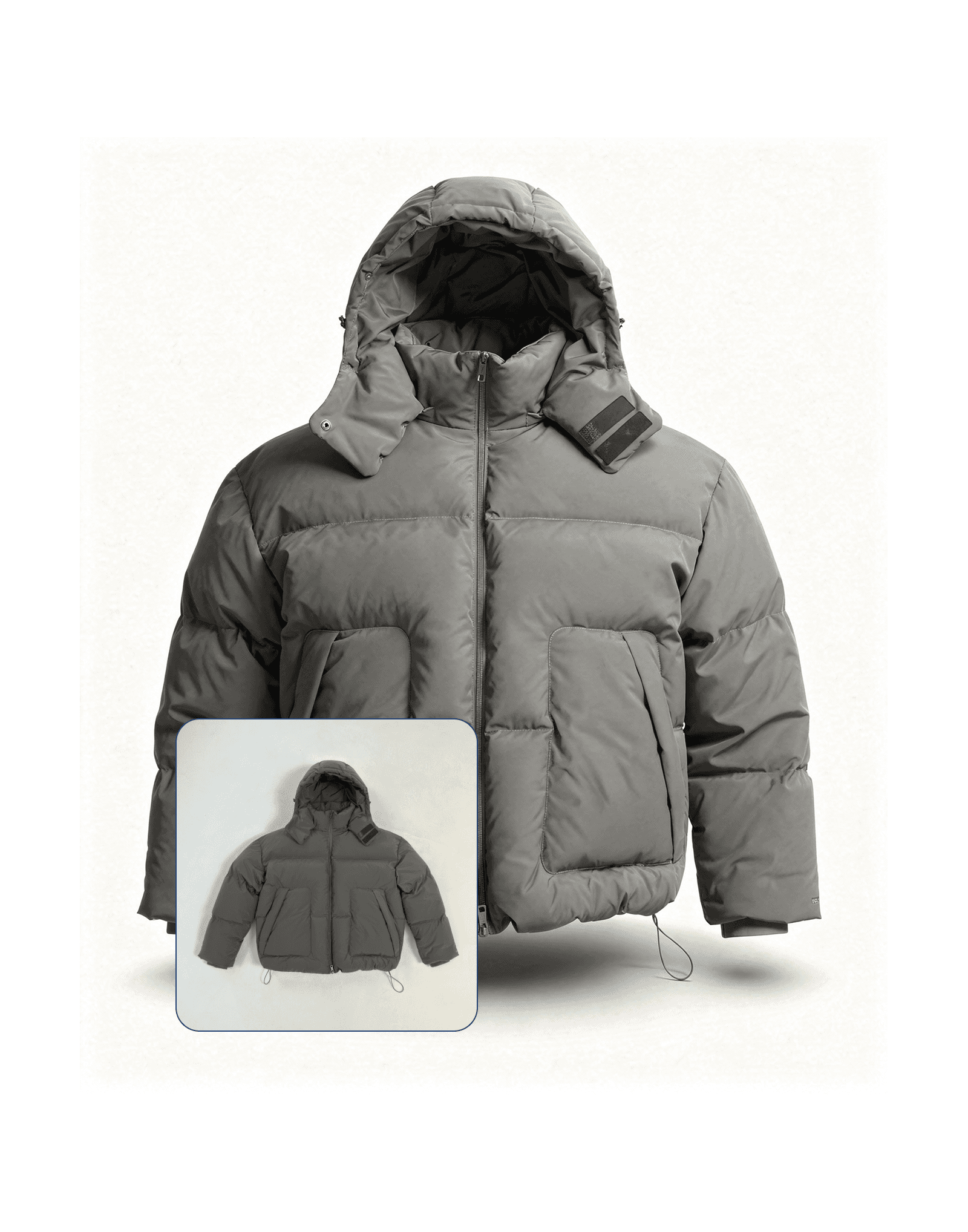
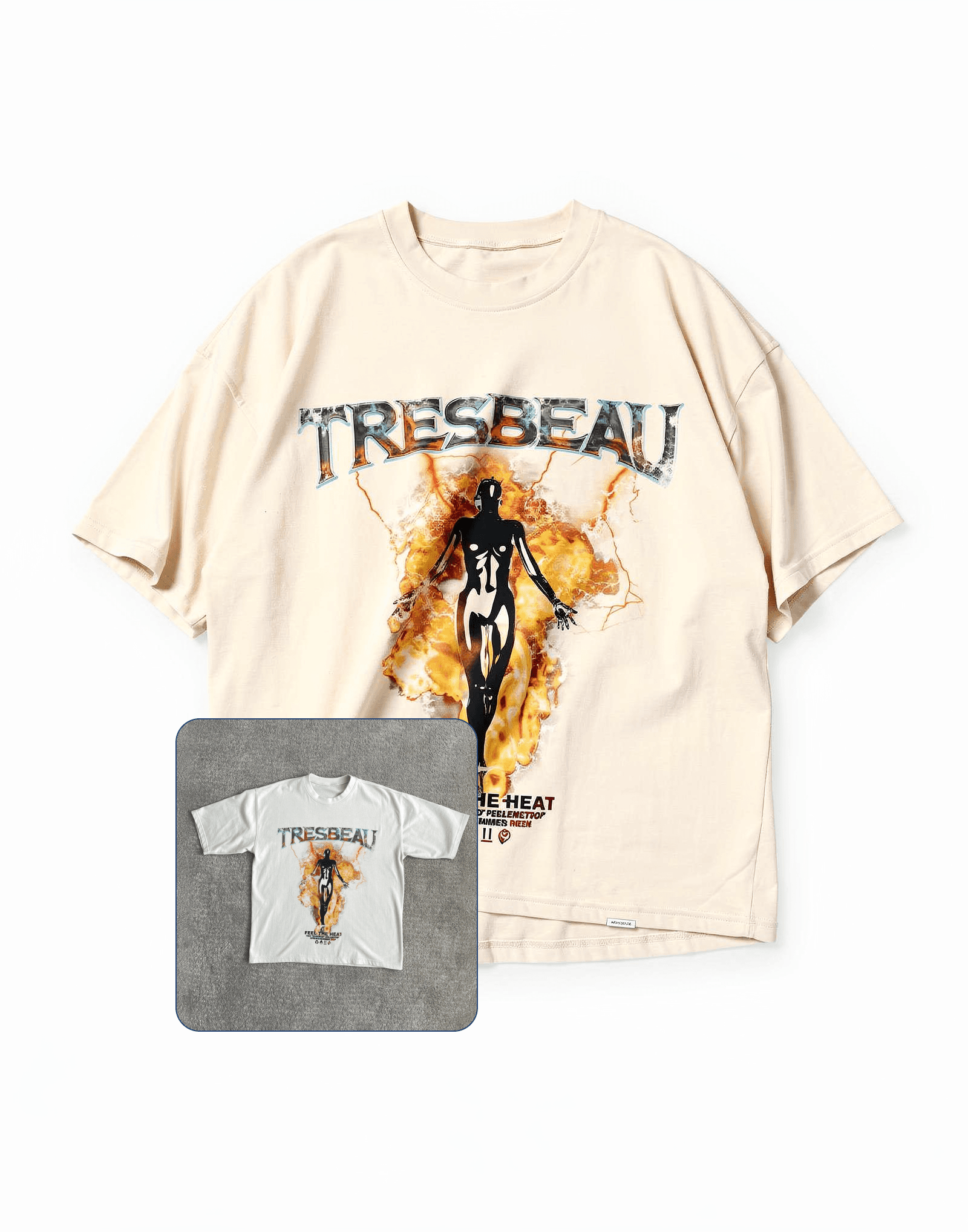
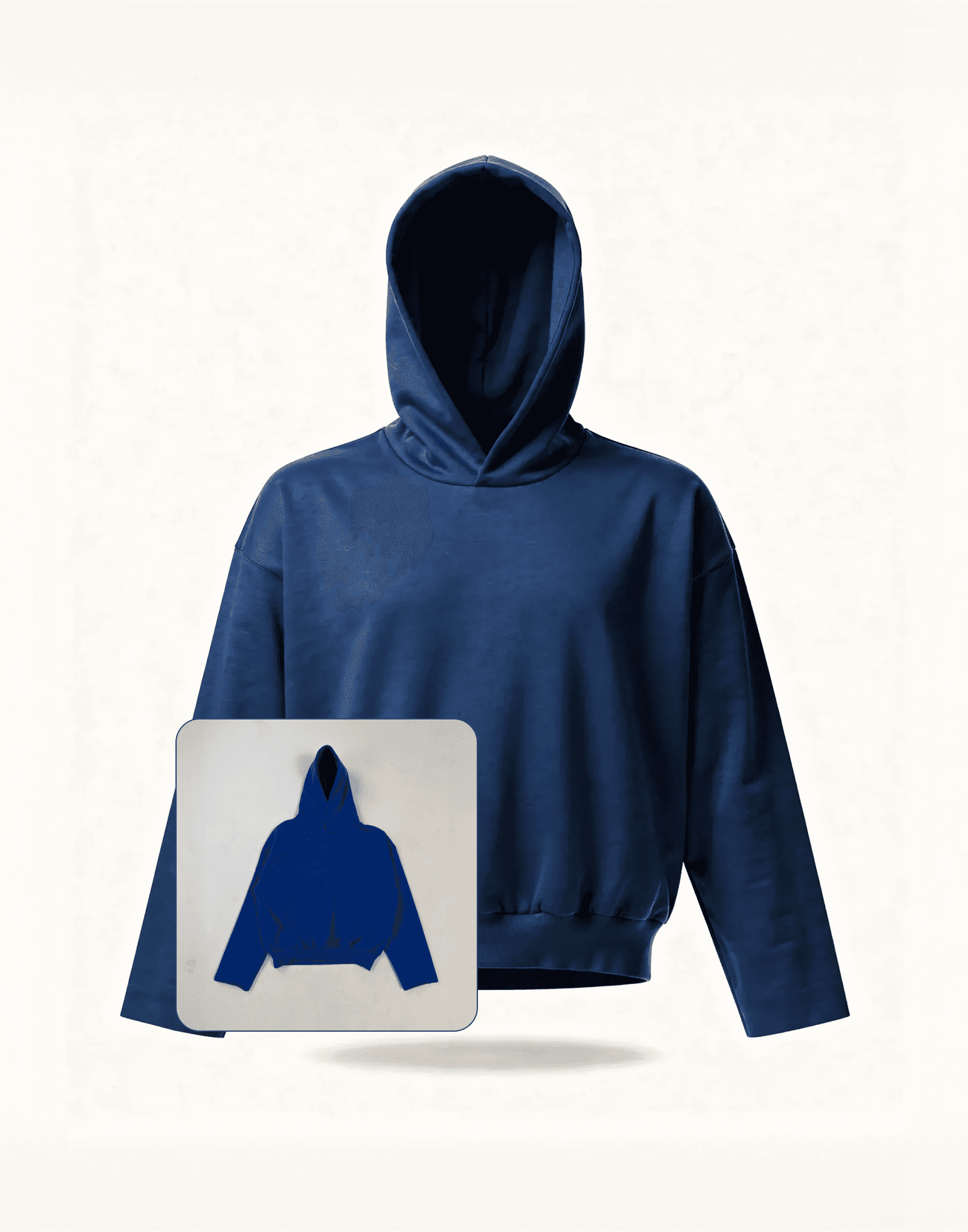
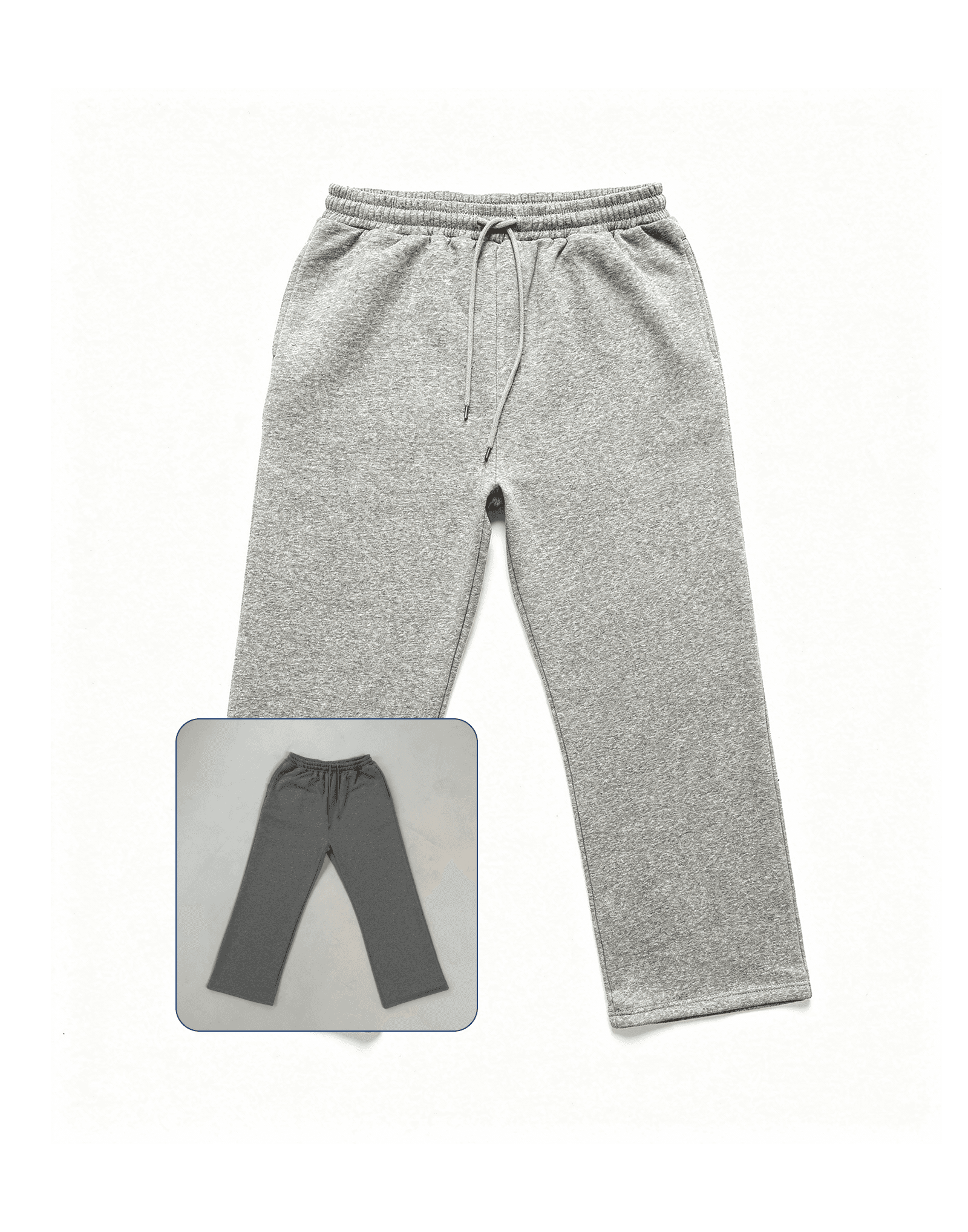
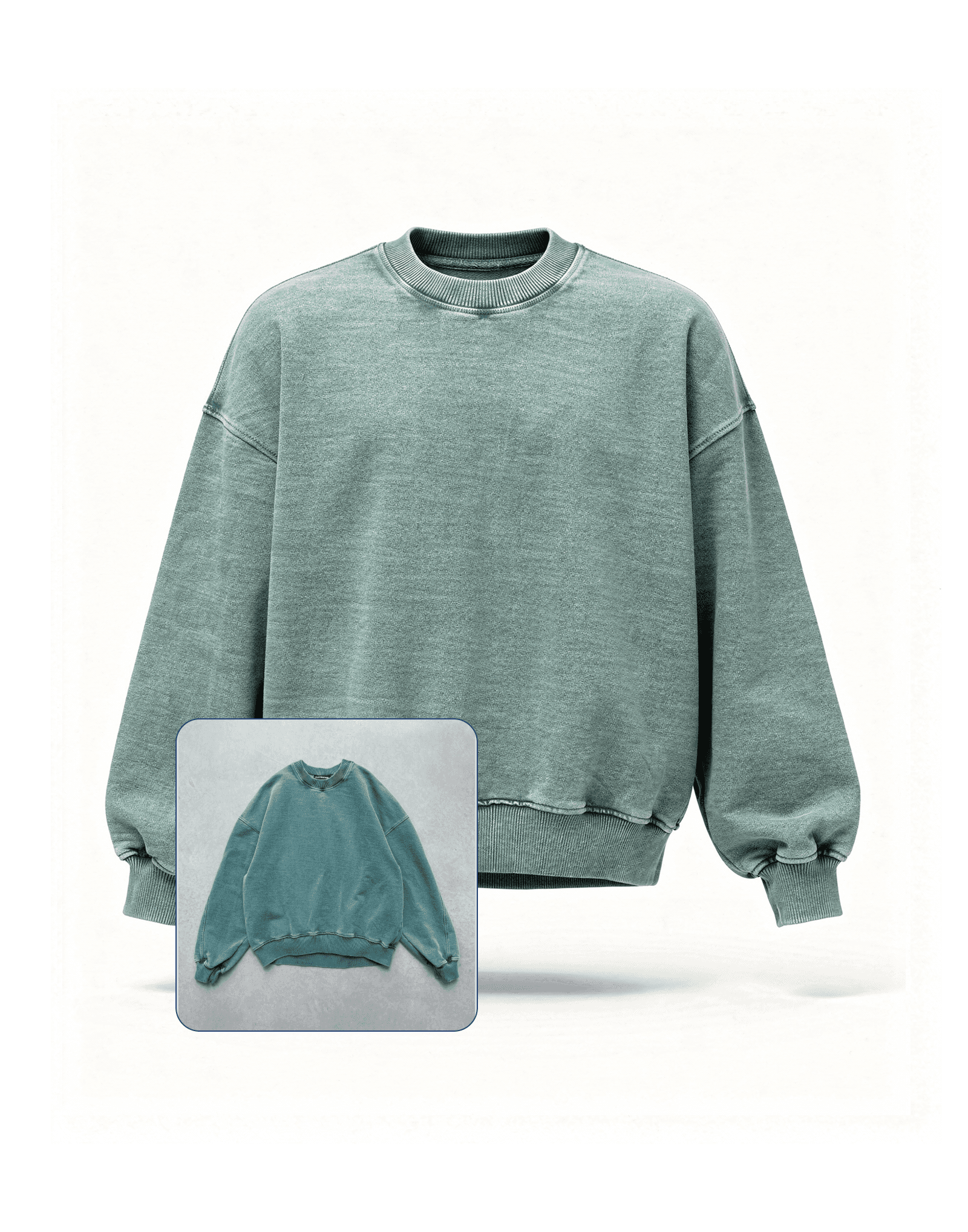
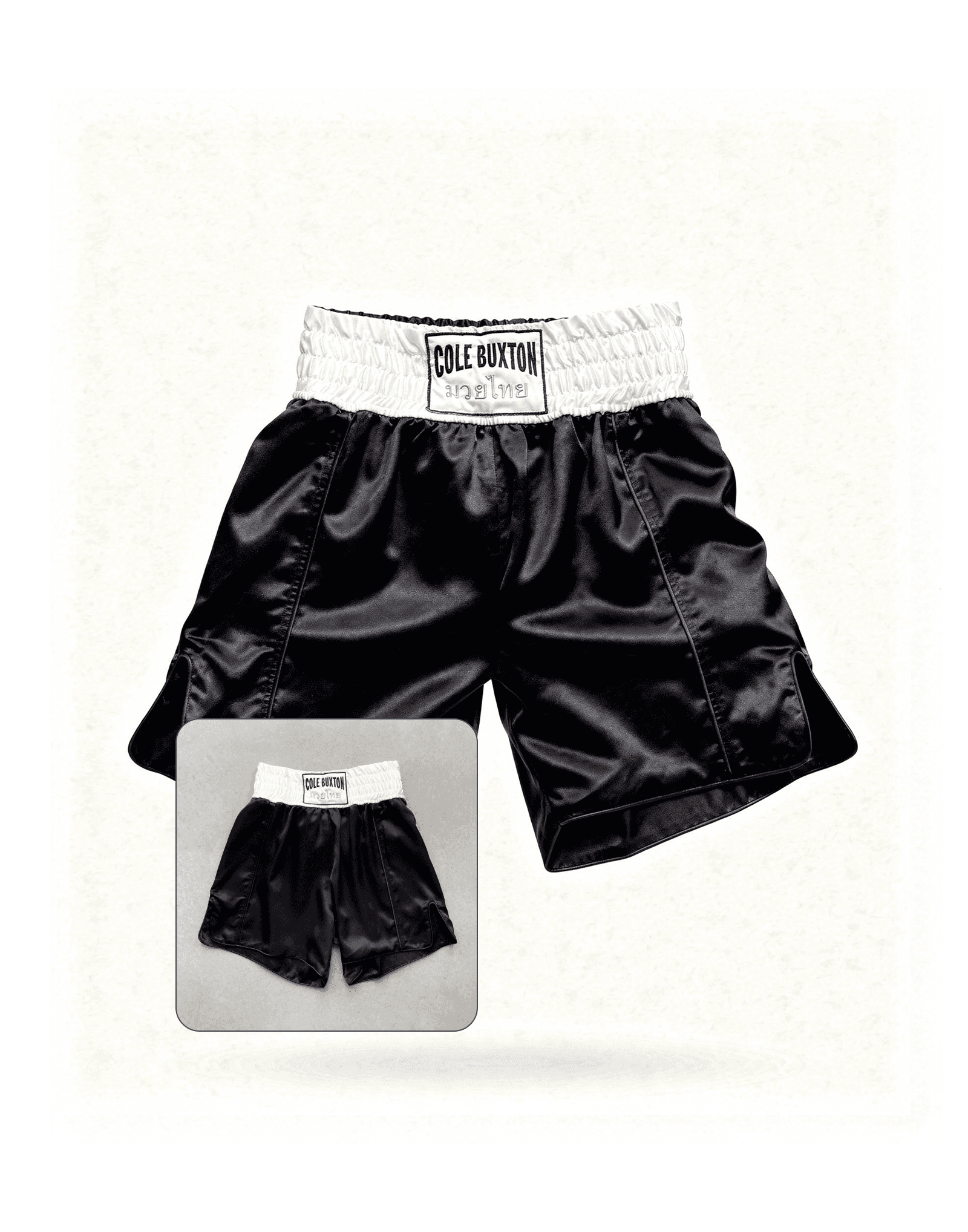
The power of cutting production costs with Ateli
Upload your product photo
Faster time to market
Visual production costs